How customers order, track orders and use accounts
What shoppers see: checkout, the pickup code, order tracking and optional accounts.
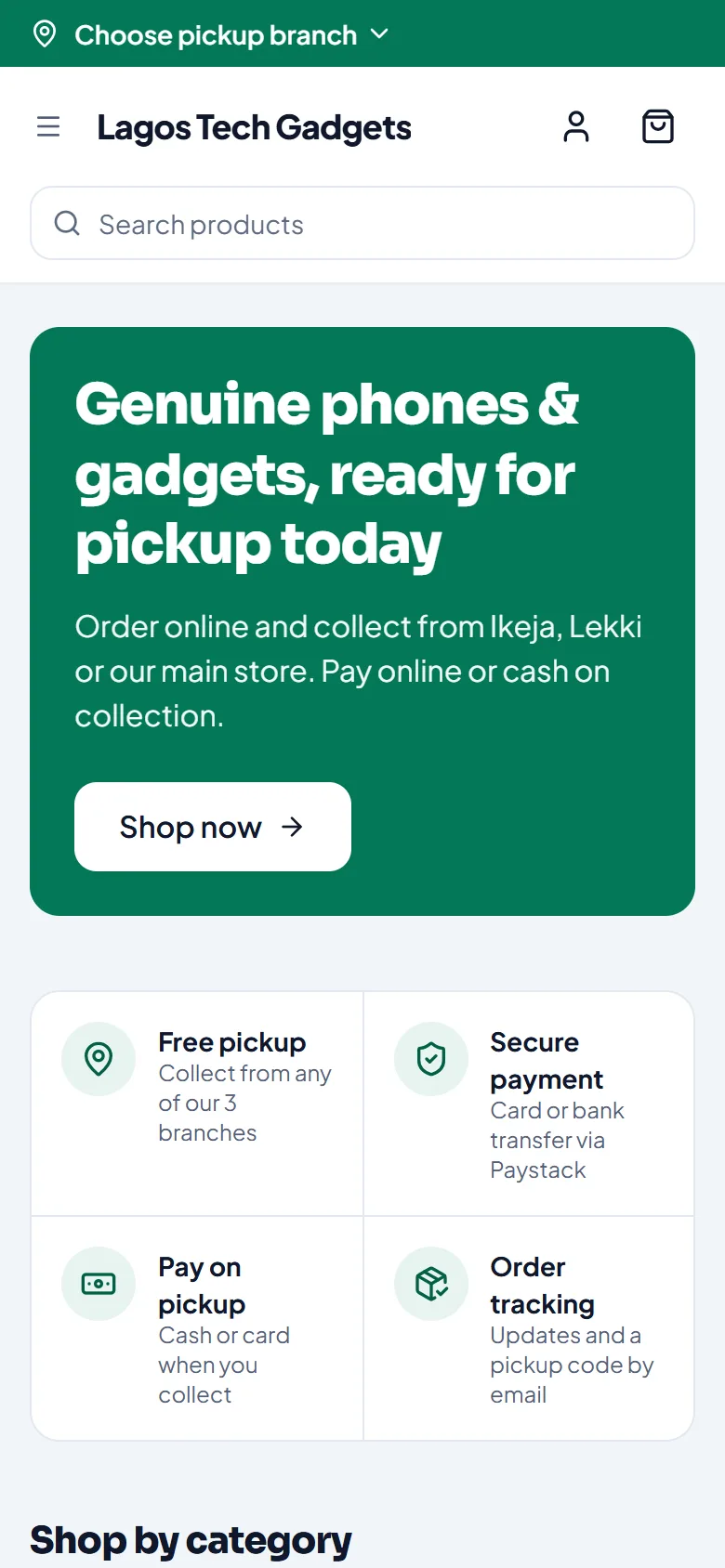
Ordering
The shopper adds products to the cart and chooses a pickup branch, or delivery if you offer it.
At Checkout they enter their name, phone and email.
They pay online by card or bank transfer (through Paystack), or choose Pay on pickup if you allow cash on collection.
They can tick Send me updates about this order on WhatsApp. If you use cart reminders, they can also tick Remind me if I don’t finish. See Saved carts and cart reminders.
After ordering
They get an email with order updates and a pickup code.
Their order page is their link to track the order.
When it’s ready, they show the pickup code at your counter.
Accounts
Shoppers don’t need an account to order. With one (Create account), their orders are kept together under Your orders.
Related articles
- Handle online orders Confirm new orders, get them ready, then hand them over or deliver them.
- Hand over a pickup order Check the customer’s 6-digit pickup code, collect any payment due and complete the pickup.
- Sell at the counter with the POS Find or scan products, take payment and complete the sale. Stock goes down by itself.
- Online checkout and payment request settings Choose whether shoppers can pay cash on collection, and how long payment requests stay open.