Online checkout and payment request settings
Choose whether shoppers can pay cash on collection, and how long payment requests stay open.
Go to Settings → Payments & tax.
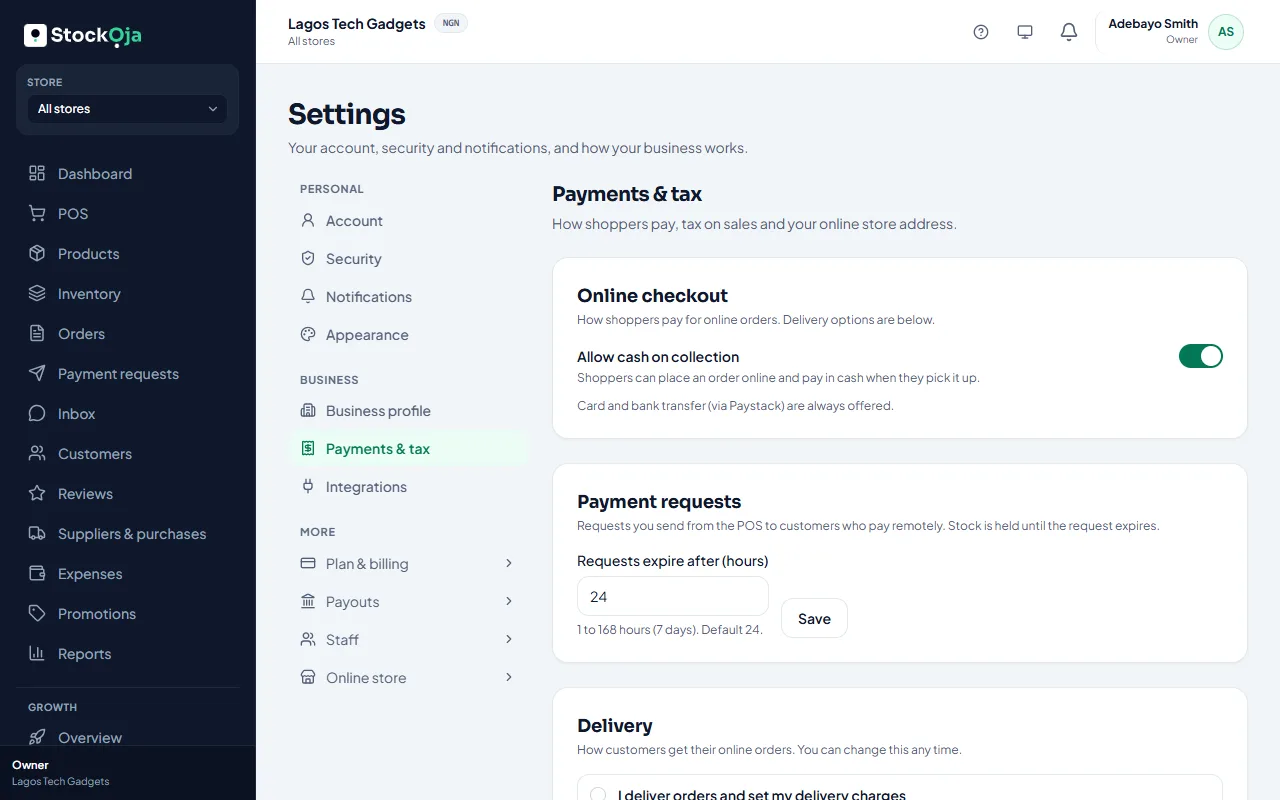
Online checkout
Card and bank transfer (through Paystack) are always offered on your online store.
Turn on Allow cash on collection to let shoppers order online and pay in cash when they pick up.
Payment requests
Requests expire after (hours) sets how long a payment request stays open: from 1 to 168 hours (7 days). The default is 24. Stock is held for the customer until the request expires.
Delivery
Delivery options are on the same page. See Delivery options.
Related articles
- How customers pay online (Paystack) Card and bank transfer through Paystack, paid straight into your bank account.
- Delivery options: pickup, your own delivery, or delivery areas Choose how customers get their online orders. You can change it any time.
- Request a payment with a link Create an order at the POS for a customer who isn’t there, and send them a secure link to pay.
- Sell at the counter with the POS Find or scan products, take payment and complete the sale. Stock goes down by itself.