Low-stock alerts
Get warned before you run out, per product and per store.
Set the alert level
Edit the product and set Low-stock alert at. When available stock falls to this number, it counts as low.
A store can use its own level: choose the store in the store menu, open the product and set Low-stock alert at (this store).
Where you see it
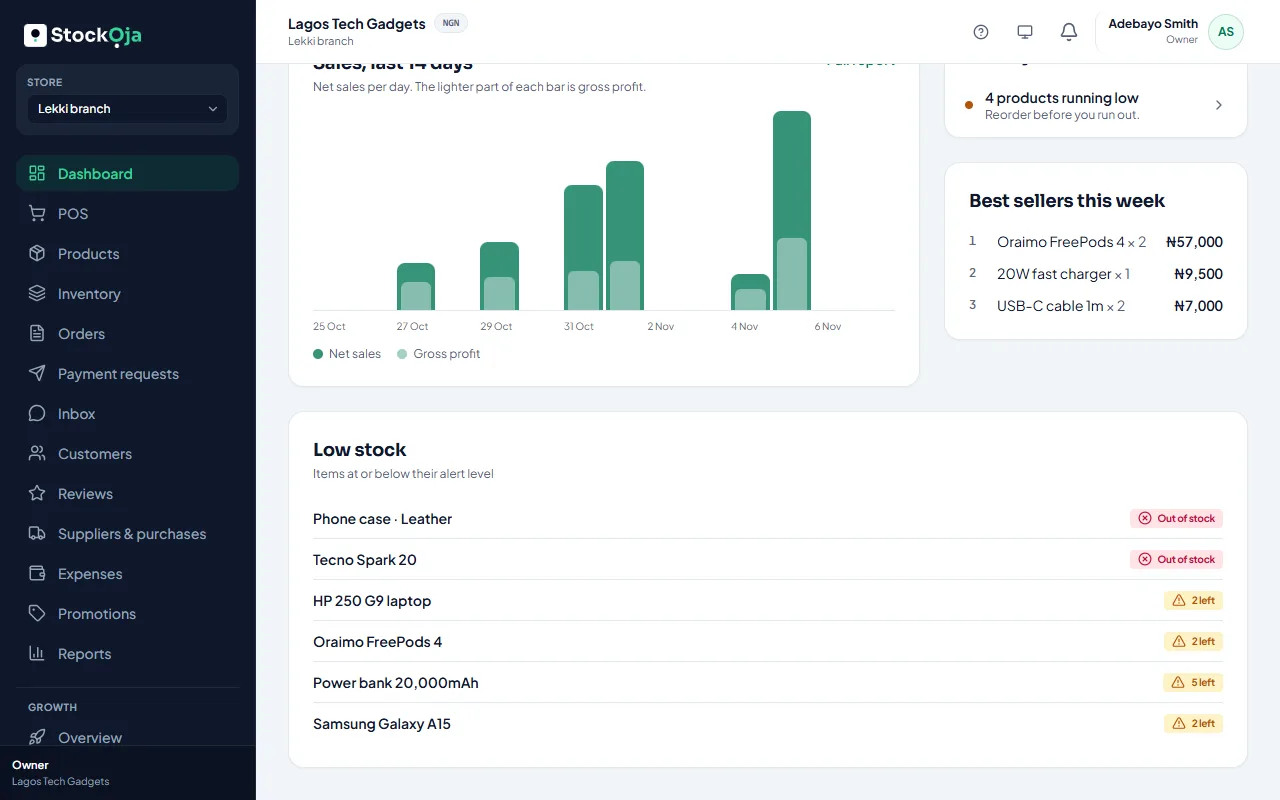
The dashboard’s Low stock list and Needs your attention.
Inventory, with the Low stock filter.
Notifications, if you’ve turned them on. See Choose your notifications.
When something’s low, reorder it with a purchase order or move stock from another store.
Related articles
- Check your stock levels See what’s on hand, reserved for online orders and free to sell in each store.
- Choose your notifications Pick in-app, email or push for each kind of notification.
- Create a purchase order Record what you’ve ordered from a supplier and what each unit costs.
- Adjust stock (and why a reason is required) Add, remove or set a counted quantity, with a reason that’s kept in the history.