Choose your notifications
Pick in-app, email or push for each kind of notification.
Go to Notifications → Preferences, or Settings → Notifications.
For each notification, turn In app, Email and Push on or off.
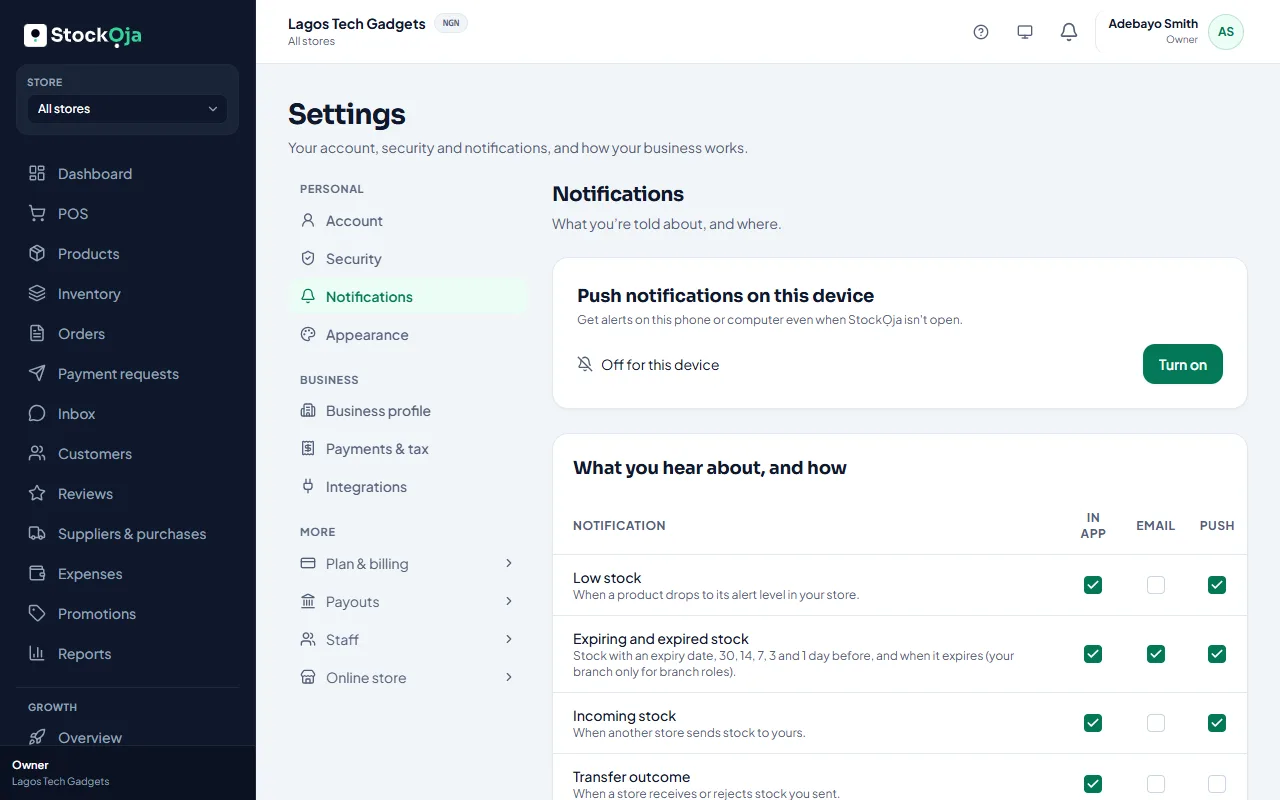
Your choices are saved for your account, on every device.
Related articles
- What StockỌja tells you about Every kind of notification, and when it’s sent.
- Turn on push notifications Get alerts on your phone or computer even when StockỌja isn’t open.