Receive stock from a purchase order
Enter what arrived. Stock is added to the receiving store at the unit cost.
Open the purchase order and select Receive stock.
Enter the Quantity received for each item. Select Receive everything outstanding if it all arrived.
Check the Unit cost.
Add a Delivery note if you like, and select Add to stock.
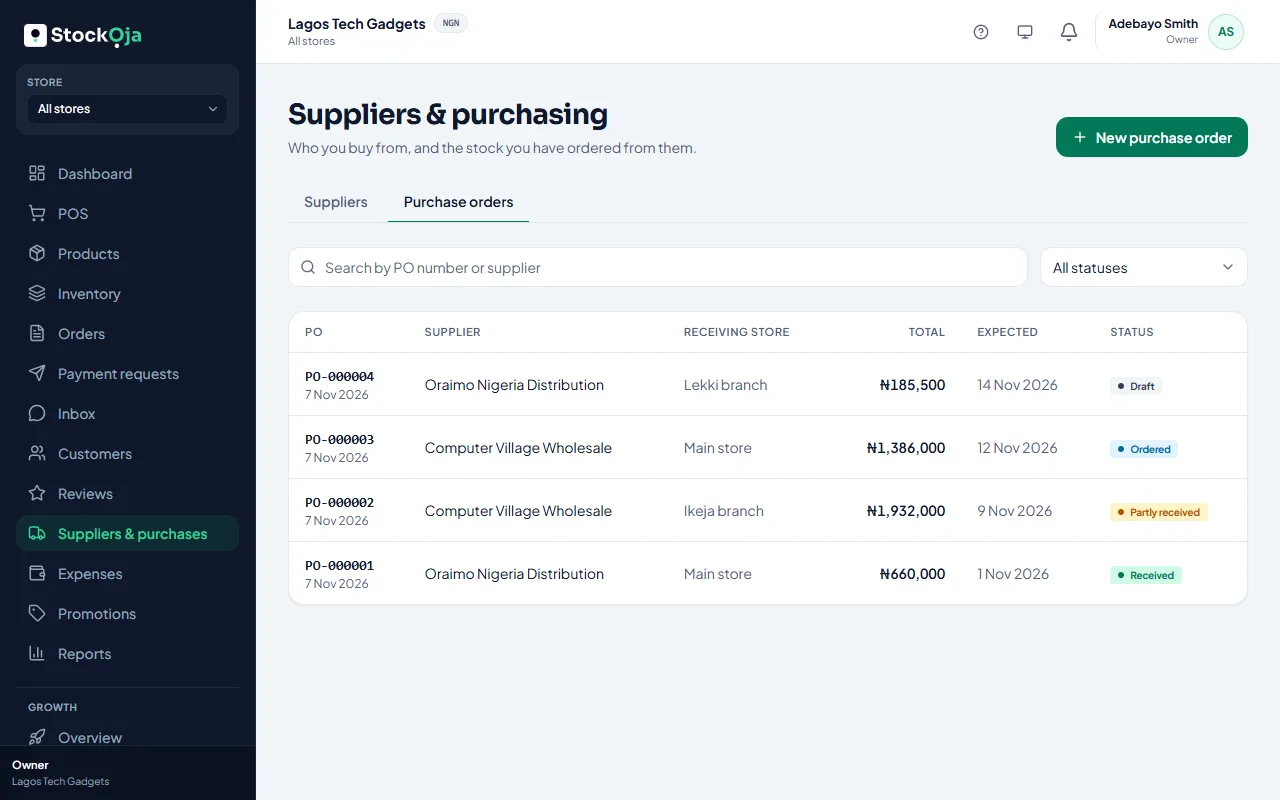
Stock goes up only by what you actually received. If part of the order is still to come, it shows Partly received; receive the rest when it arrives. Each delivery is listed under Deliveries.
Expiry dates
If you track expiry, tick Add expiry dates and enter the expiry date and batch code for each item. See Track expiry dates and batches.
Related articles
- Create a purchase order Record what you’ve ordered from a supplier and what each unit costs.
- Track expiry dates and batches Record expiry dates and batch codes, sell the earliest first, and get alerts before stock expires.
- Stock history for a product Every stock change, with who made it, when and why.
- Deliver an order Mark a delivery order out for delivery, then delivered.