Deliver an order
Mark a delivery order out for delivery, then delivered.
Open the order and Confirm order.
When it leaves, select Out for delivery. The customer is told.
When the customer has it, select Mark delivered. If a balance is due, collect it and record it.
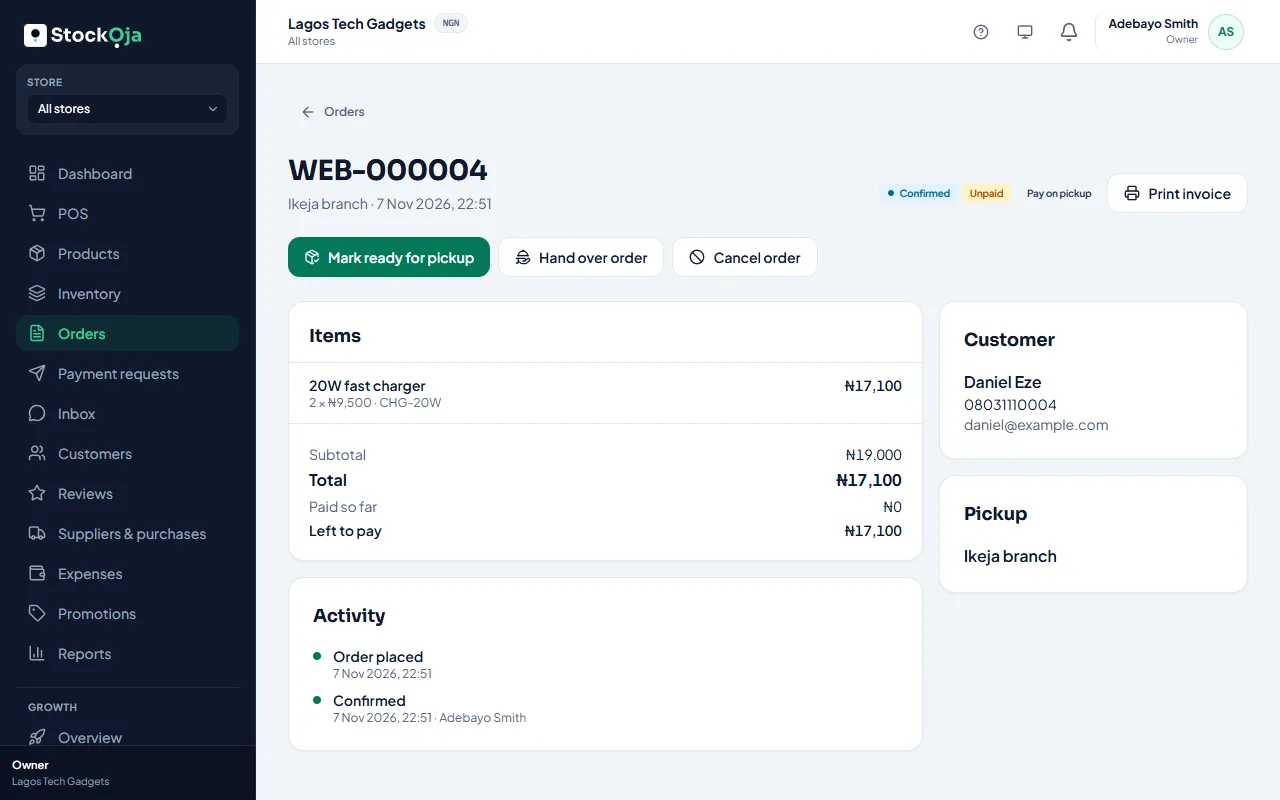
The order is completed and the stock leaves the dispatch branch.
The order shows the delivery address, area and fee. A fee shown as To be agreed wasn’t charged with the order: agree and collect it with the customer.
Related articles
- Delivery options: pickup, your own delivery, or delivery areas Choose how customers get their online orders. You can change it any time.
- Handle online orders Confirm new orders, get them ready, then hand them over or deliver them.
- Receive stock from a purchase order Enter what arrived. Stock is added to the receiving store at the unit cost.
- Accept delivery addresses (fee agreed later) Let customers choose delivery and type their address, then agree the fee with them.