Cancel a purchase order
Cancel an order you no longer expect. Stock already received stays.
Open the purchase order and select Cancel order.
Say why you’re cancelling it, and confirm.
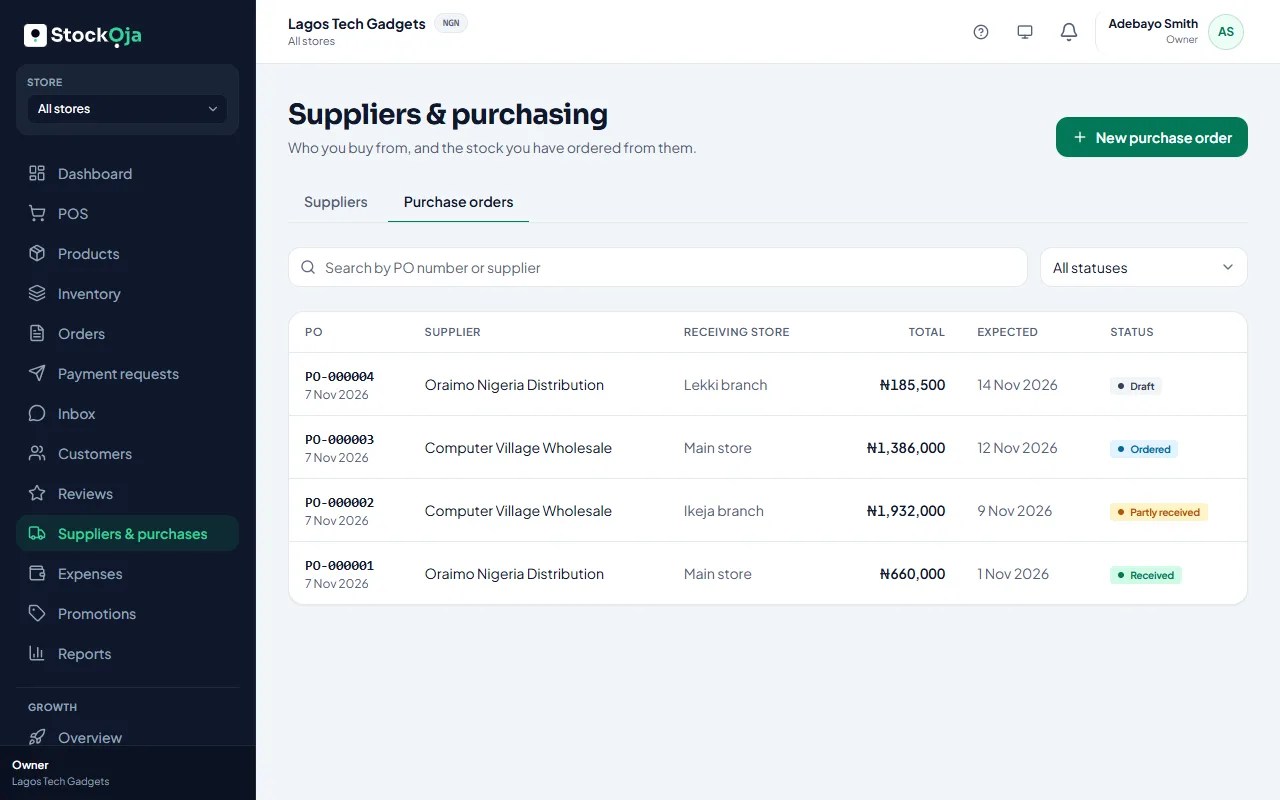
Goods already received stay in stock, and the order keeps their record. A fully received order can’t be cancelled.
Related articles
- Create a purchase order Record what you’ve ordered from a supplier and what each unit costs.
- Upgrade or change your plan Pay for a plan by card through Paystack, renew automatically, or switch back to Free.
- Cancel an order and refund the customer Cancelling releases the stock. Online payments are refunded in full automatically.
- Add a supplier Keep the people and companies you buy stock from, with their contact details.