Upgrade or change your plan
Pay for a plan by card through Paystack, renew automatically, or switch back to Free.
Changing the plan needs the Change plan and billing permission, which the business owner has.
Upgrade
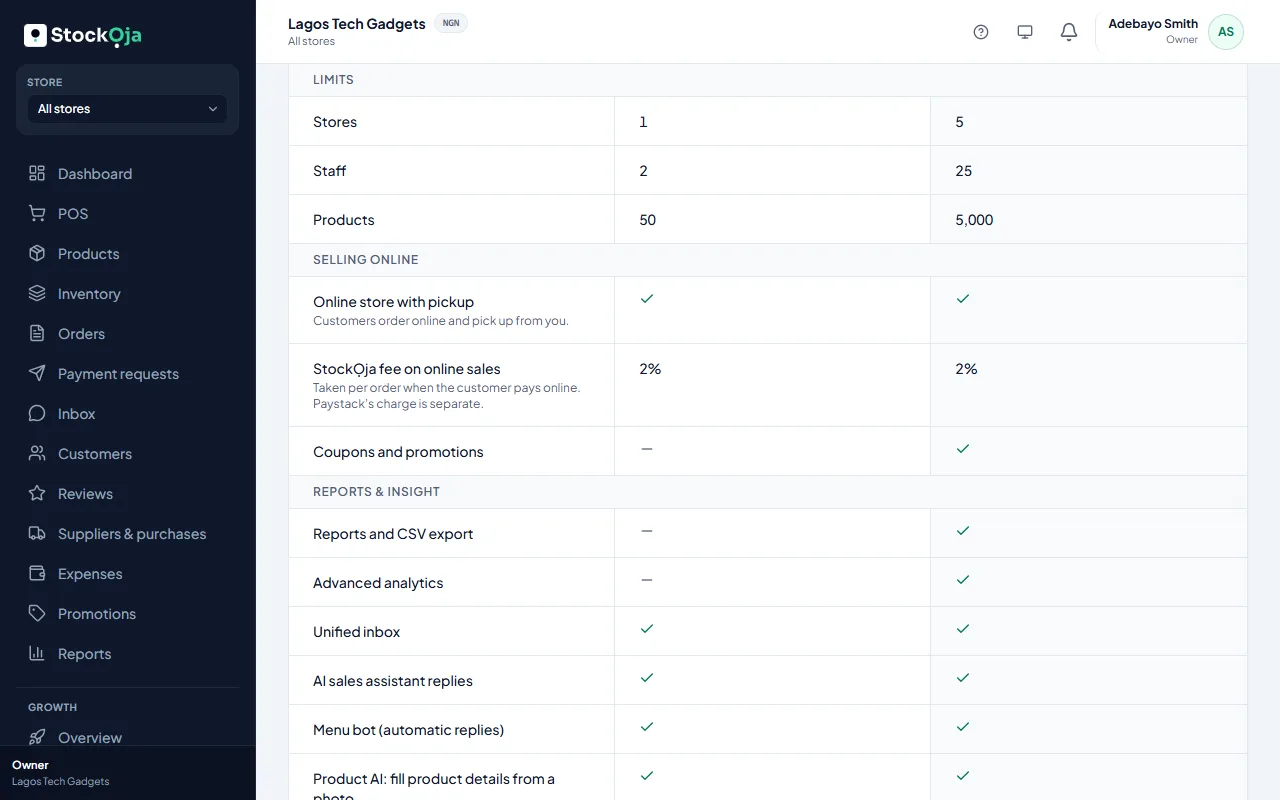
Go to Plan & billing and select View plans.
Select Choose on the plan you want. Each plan shows its price per month or per year.
Pay on Paystack’s secure page.
When Paystack confirms the payment, you see Payment received and the new plan starts at once. It renews automatically at the end of each period. Select Update card to change the card used.
Switch back to Free
Select Switch to Free. You keep your current plan until the end of the period you’ve paid for, then move to Free. Changed your mind? Select Keep my plan.
If a renewal payment fails
You see Your last payment failed. You have 7 days to pay. After that, paid features are paused and your business uses Free plan limits until you pay. All your data stays. Select Pay now to continue.
Related articles
- Plans and what they include Start free. Paid plans add more stores, staff and products, and features such as reports and promotions.
- Billing history and invoices Every plan payment, with its invoice number, date, amount and status.
- I paid but my plan didn’t change What to do when a plan payment is still pending or didn’t go through.
- Cancel a purchase order Cancel an order you no longer expect. Stock already received stays.