Add a supplier
Keep the people and companies you buy stock from, with their contact details.
Go to Suppliers and select Add supplier.
Enter the Supplier name, and if you like the Contact person, phone, email, address and notes.
Save.
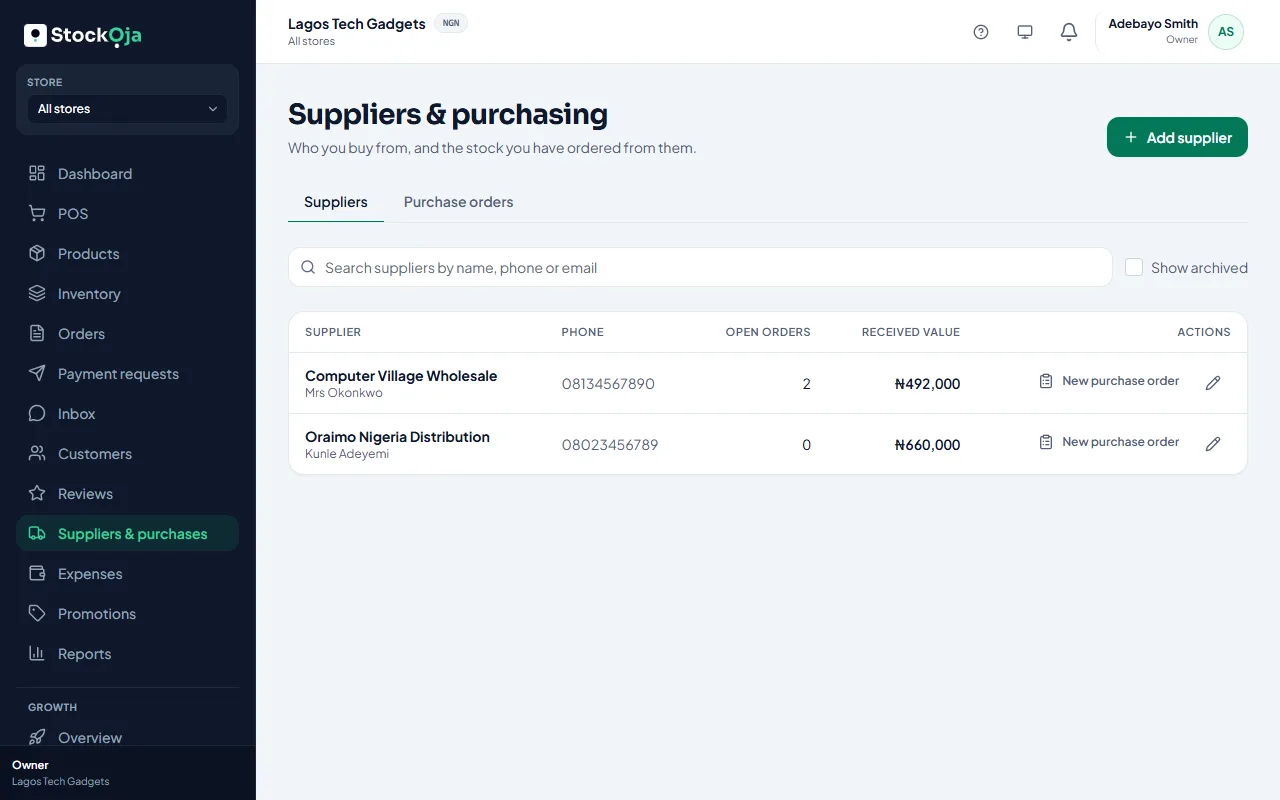
Edit a supplier from the list. Suppliers you no longer use can be archived; they stay in your purchase history. Select Show archived to see them.
Related articles
- Create a purchase order Record what you’ve ordered from a supplier and what each unit costs.
- Cancel a purchase order Cancel an order you no longer expect. Stock already received stays.
- Receive stock from a purchase order Enter what arrived. Stock is added to the receiving store at the unit cost.