Cancel an order and refund the customer
Cancelling releases the stock. Online payments are refunded in full automatically.
Open the order and select Cancel order.
Give a reason and confirm.
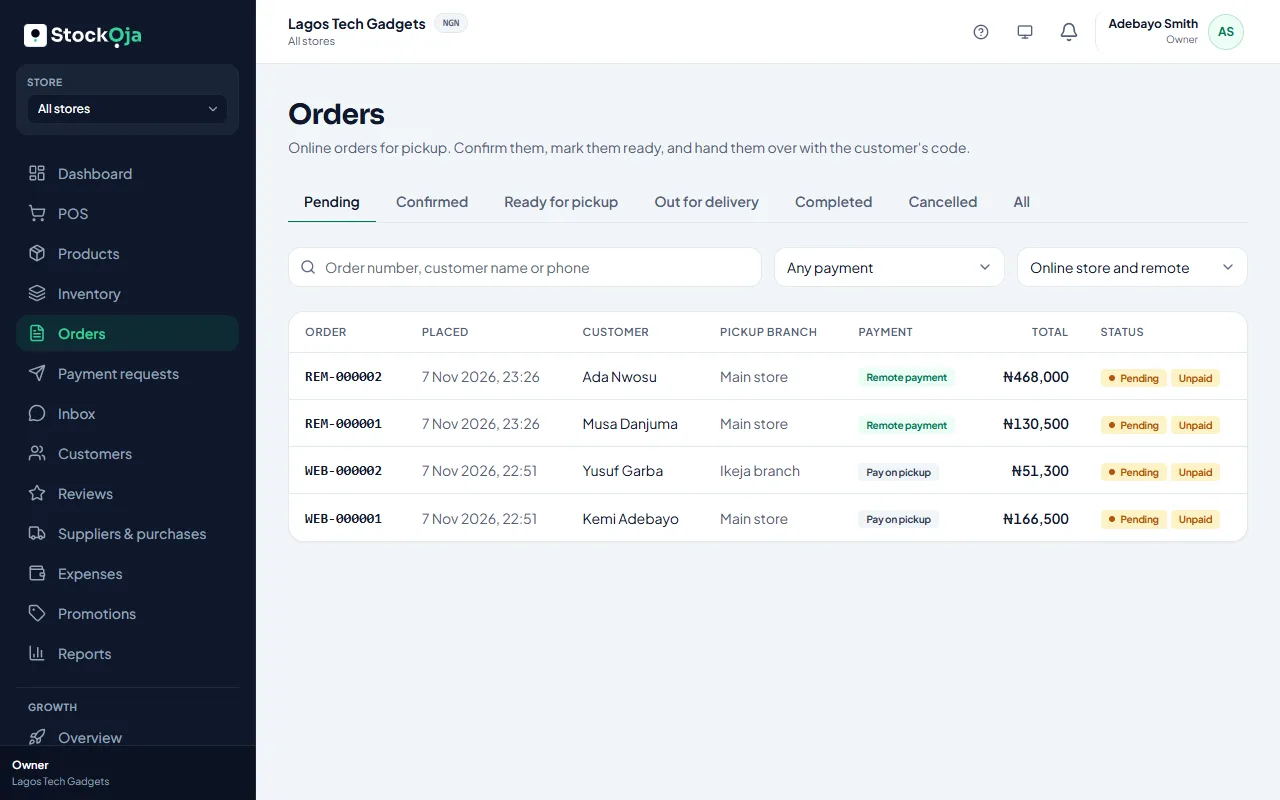
The reserved stock is released. If the customer paid online, a full refund is sent to them through Paystack.
Refund progress
The order shows the refund’s progress. If Paystack is busy, StockỌja keeps trying automatically. If it still fails after several tries, you’ll see why, and you can select Try the refund again.
Related articles
- Failed payments and refunds What happens when an online payment fails, and how refunds reach customers.
- What each order status means Pending, confirmed, ready, out for delivery, completed and cancelled, plus payment statuses.
- Upgrade or change your plan Pay for a plan by card through Paystack, renew automatically, or switch back to Free.
- Cancel a purchase order Cancel an order you no longer expect. Stock already received stays.