Permissions explained
What each permission allows, grouped by area.
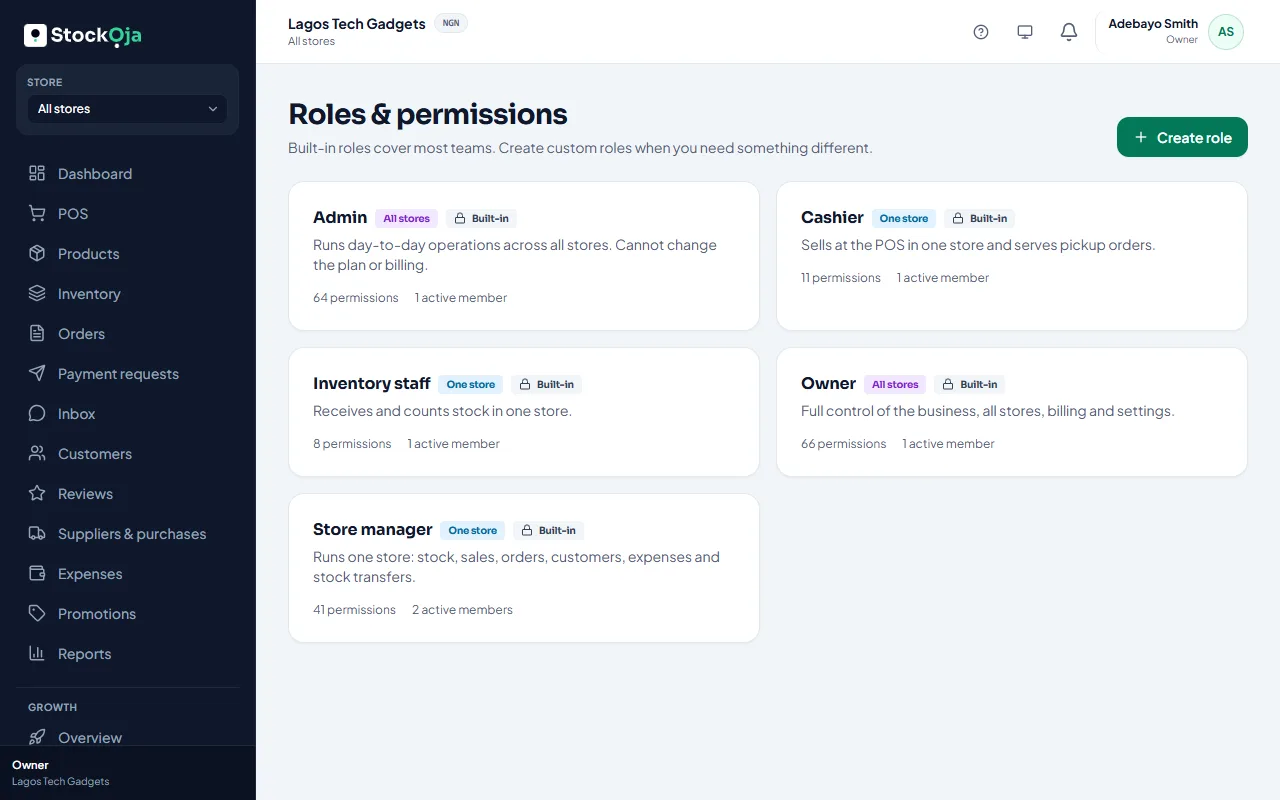
A role is a set of permissions. Here’s what the main ones allow.
Business, stores and staff
Edit business profile and branding, Change business settings (checkout, payments, notifications).
Open new stores, Edit store details, Deactivate or reactivate stores.
Invite staff, Move staff between stores, Deactivate or reactivate staff, Create and edit custom roles.
Products and stock
Create products, Edit products, Archive products, Manage categories and brands.
Adjust stock (with a reason), Send stock to another store, Approve or reject incoming stock transfers.
Selling
Process POS sales, Apply discounts at POS, Process returns and refunds.
Update order status and pickup, Cancel orders.
Create remote orders and send payment requests, Cancel payment requests, Change delivery fees on orders and resolve overpayments.
Customers and messages
Add, Edit and Archive customers.
View customer conversations, Reply to customers, assign and close conversations, Connect and disconnect messaging channels and bots.
Hide and show product reviews.
Growth: Add and work leads, opportunities and follow-ups, Import contacts from CSV files, Change pipeline stages and Growth settings.
Buying and spending
Create and edit suppliers, Create, Receive and Cancel purchase orders.
Record expenses, Edit or delete expenses.
Create and edit promotions and coupons.
Online store, reports and money
Customize and publish the online store.
View reports, Export reports.
View balance, payouts and the money ledger, Set the payout bank account and request withdrawals.
Change plan and billing, View the activity log.
Each area also has a “view” permission. Without it, the area is hidden from the menu.
Related articles
- Create a custom role Pick exactly which permissions a role has, and whether it works in one store or all.
- What each built-in role can do Owner, Admin, Store manager, Cashier and Inventory staff, and when to use each.
- Invite staff Send an email invitation with a role, and a store for store staff.
- Change a staff member’s role Give someone more or less access. It takes effect immediately.