Invite staff
Send an email invitation with a role, and a store for store staff.
Go to Staff and select Invite staff.
Enter their email address.
Choose a Role. See What each built-in role can do.
For a role that works in one store (such as Cashier), choose the Store.
Select Send invitation.
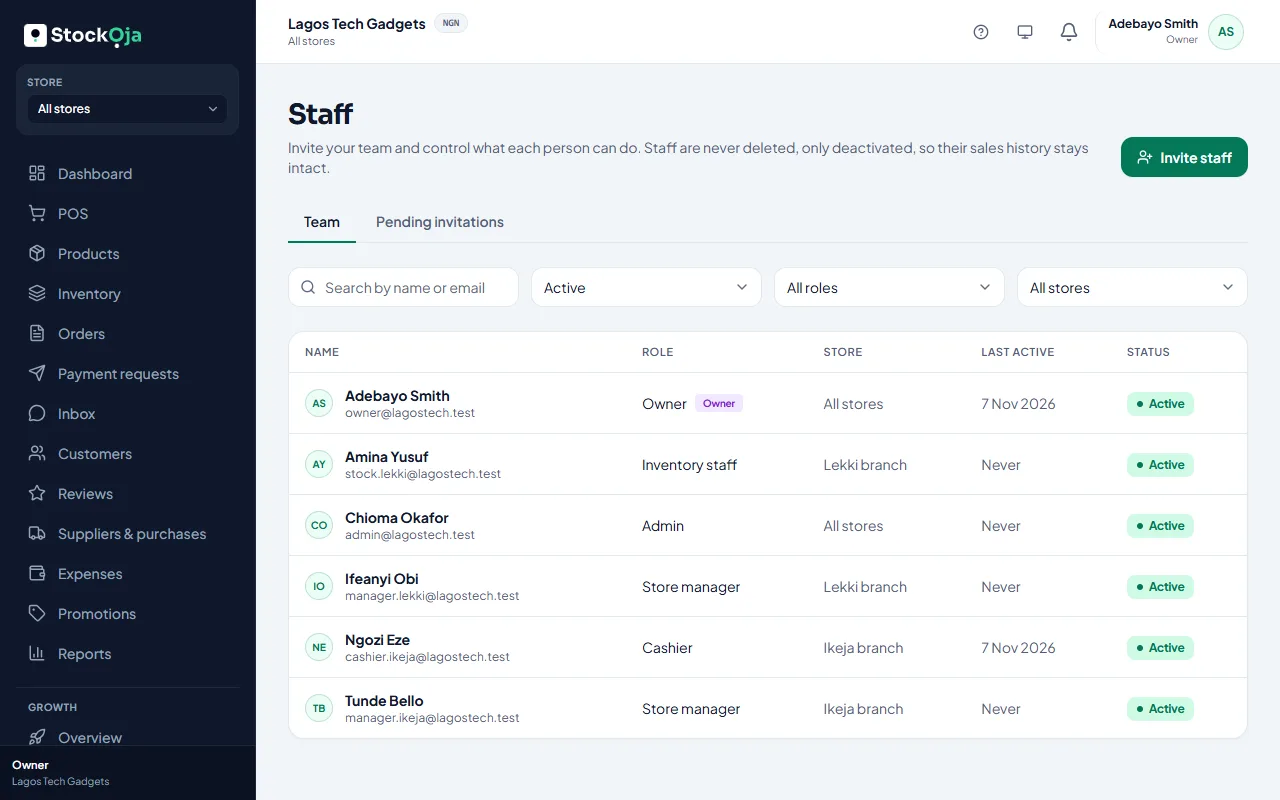
They get an email to join your business. Until they accept, the invite is under Pending invitations.
Pending invitations
Resend: sends the email again, for example if it expired.
Revoke: the link stops working.
Related articles
- What each built-in role can do Owner, Admin, Store manager, Cashier and Inventory staff, and when to use each.
- Accept an invitation to join a business Open the invitation email, choose a password (or use your existing one) and you’re in.
- Plan limits: stores, staff and products See how much of your plan you’re using, and what happens when you reach a limit.
- Change a staff member’s role Give someone more or less access. It takes effect immediately.