What each built-in role can do
Owner, Admin, Store manager, Cashier and Inventory staff, and when to use each.
StockỌja comes with five roles. They cover most teams.
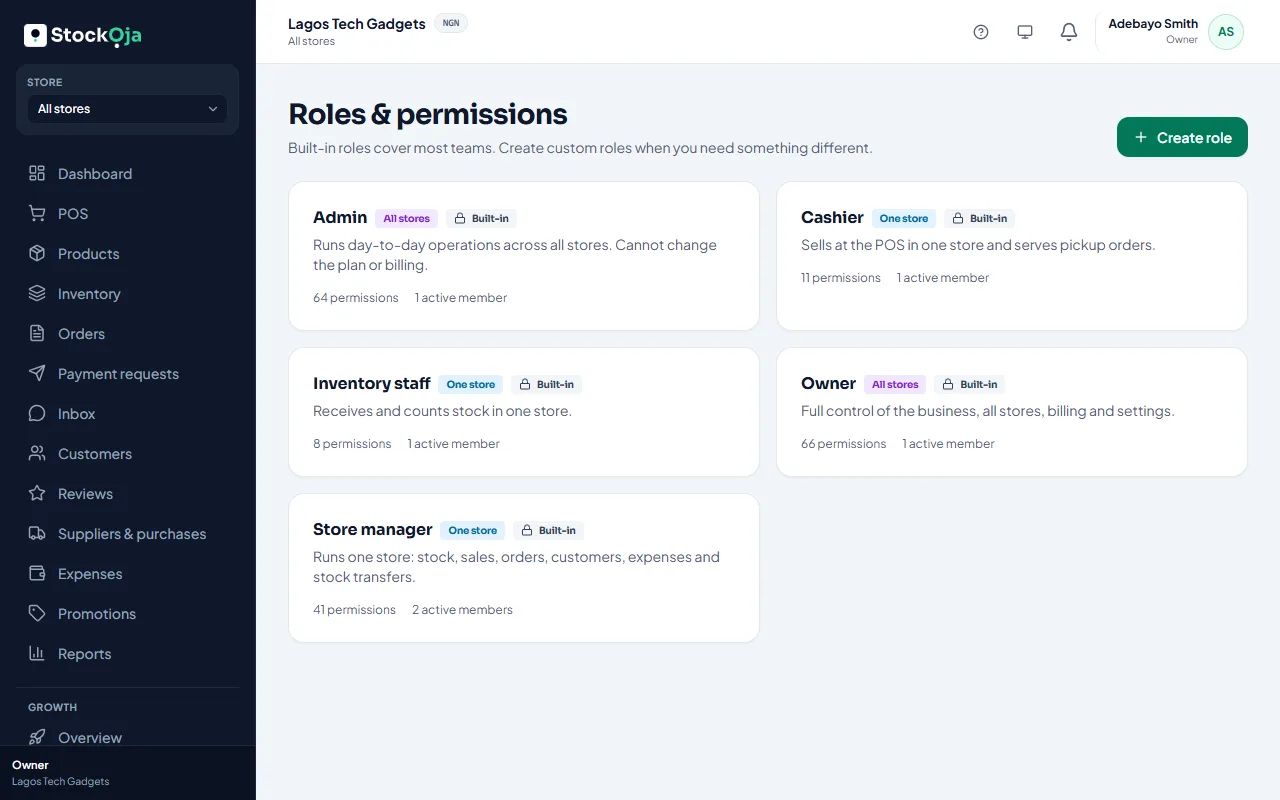
Owner
Full control of the business, all stores, billing and settings. The person who signed up is the owner. This role can’t be given to anyone else by invitation.
Admin (all stores)
Runs day-to-day work across every store. Admins can do everything except change the plan or billing and manage payouts (the bank account and withdrawals).
Store manager (one store)
Runs one store: stock, sales, discounts and refunds, orders, customers, purchase orders, expenses, transfers, reports, the inbox, reviews and Growth.
Cashier (one store)
Sells at the POS and serves pickup orders. Can add customers and send payment requests. Can’t give discounts or refunds.
Inventory staff (one store)
Receives and counts stock: adjusts stock and receives purchase orders.
Related articles
- Create a custom role Pick exactly which permissions a role has, and whether it works in one store or all.
- Permissions explained What each permission allows, grouped by area.
- Sell at the counter with the POS Find or scan products, take payment and complete the sale. Stock goes down by itself.
- Invite staff Send an email invitation with a role, and a store for store staff.