Change a staff member’s role
Give someone more or less access. It takes effect immediately.
Go to Staff and open the person.
Select Change role.
Pick the new role (and store, for a one-store role).
Select Save role.
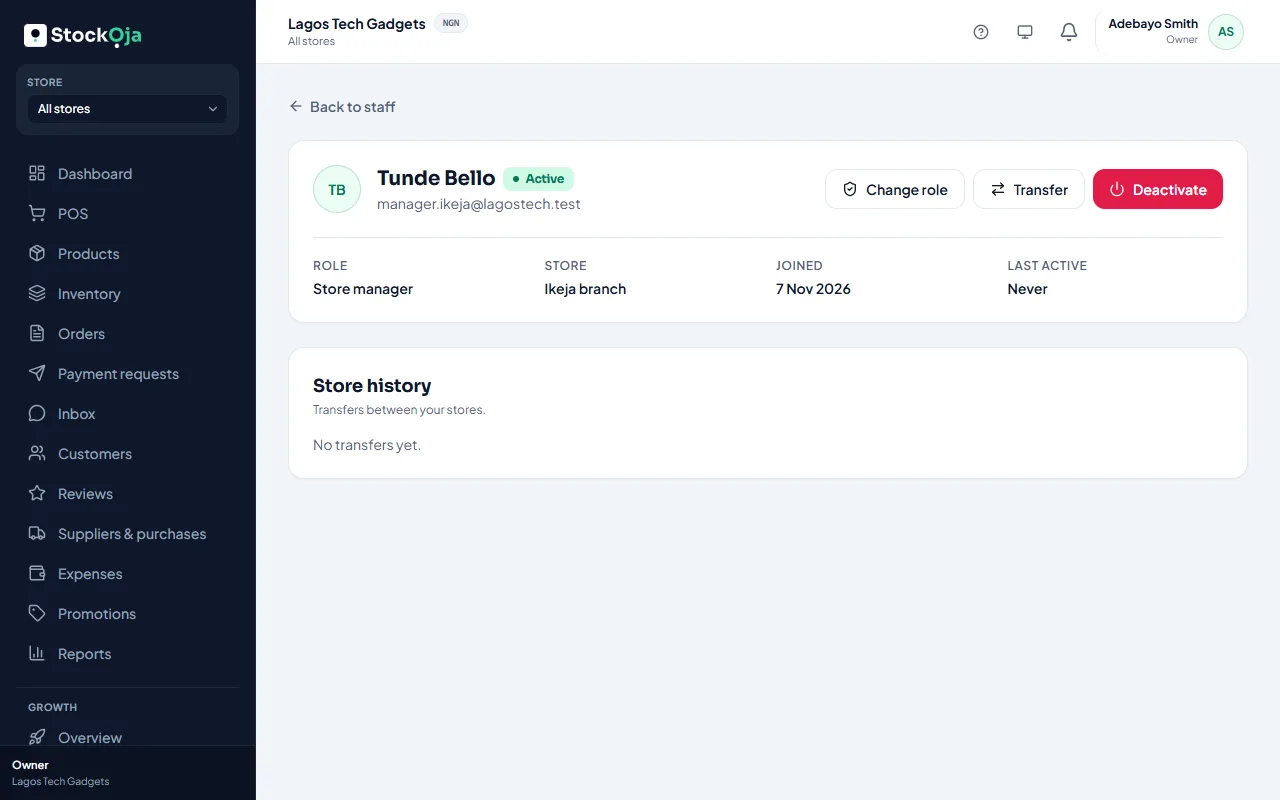
Their access changes immediately. The change is recorded in the activity log.
Related articles
- What each built-in role can do Owner, Admin, Store manager, Cashier and Inventory staff, and when to use each.
- Move staff to another store Transfer a store-based staff member to a different branch.
- Invite staff Send an email invitation with a role, and a store for store staff.
- Create a custom role Pick exactly which permissions a role has, and whether it works in one store or all.