Move staff to another store
Transfer a store-based staff member to a different branch.
Go to Staff and open the person.
Select Transfer.
Choose the store in Move to store and, if you like, add a reason.
Select Transfer.
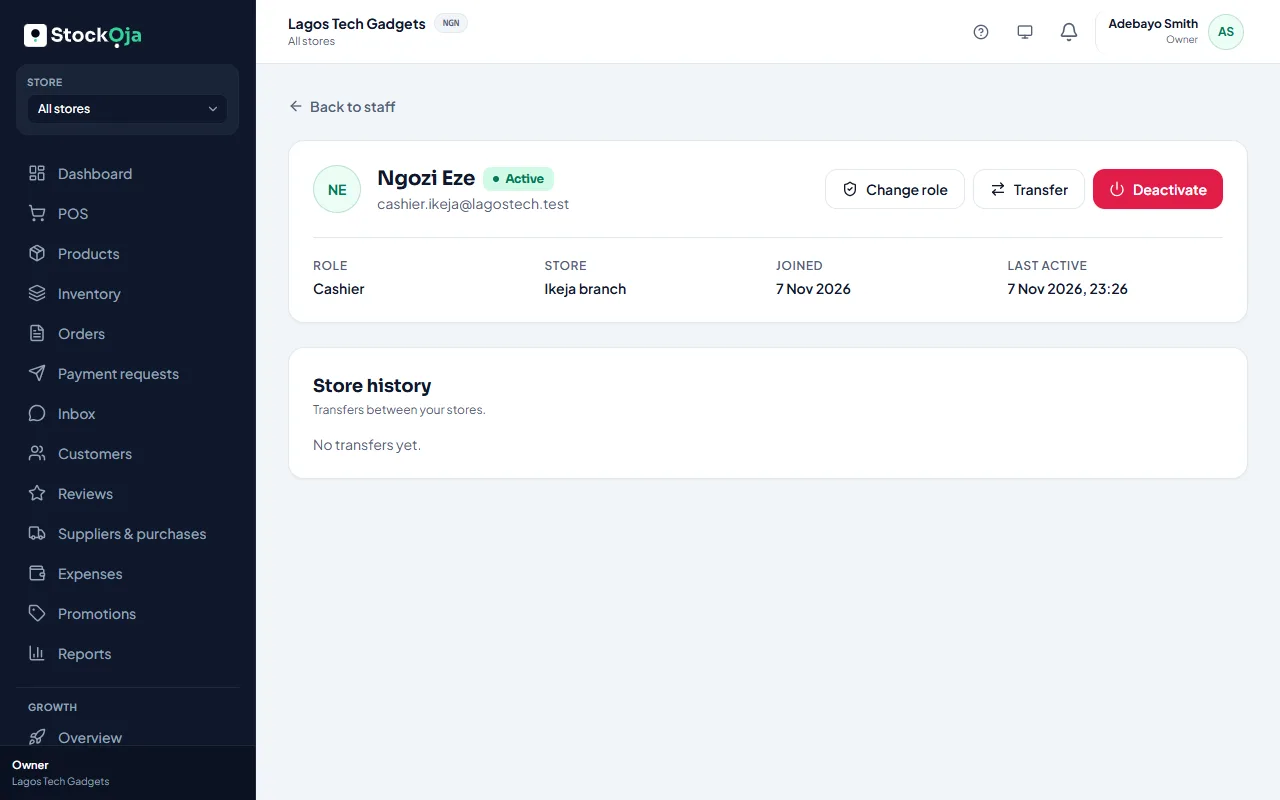
They work in the new store from then on. Their past sales stay with the old store. Moves are listed under Store history on their page.
Staff with an all-stores role (such as Admin) aren’t tied to a store, so they don’t need transferring.
Related articles
- Change a staff member’s role Give someone more or less access. It takes effect immediately.
- Add and manage stores (branches) Each branch has its own stock, sales, staff and expenses.
- Transfer stock between stores Send stock from one branch to another. It arrives when the receiving store accepts it.
- Invite staff Send an email invitation with a role, and a store for store staff.