Deactivate or reactivate staff
Remove someone’s access without losing their sales history.
Staff are never deleted, so their sales and activity stay on record.
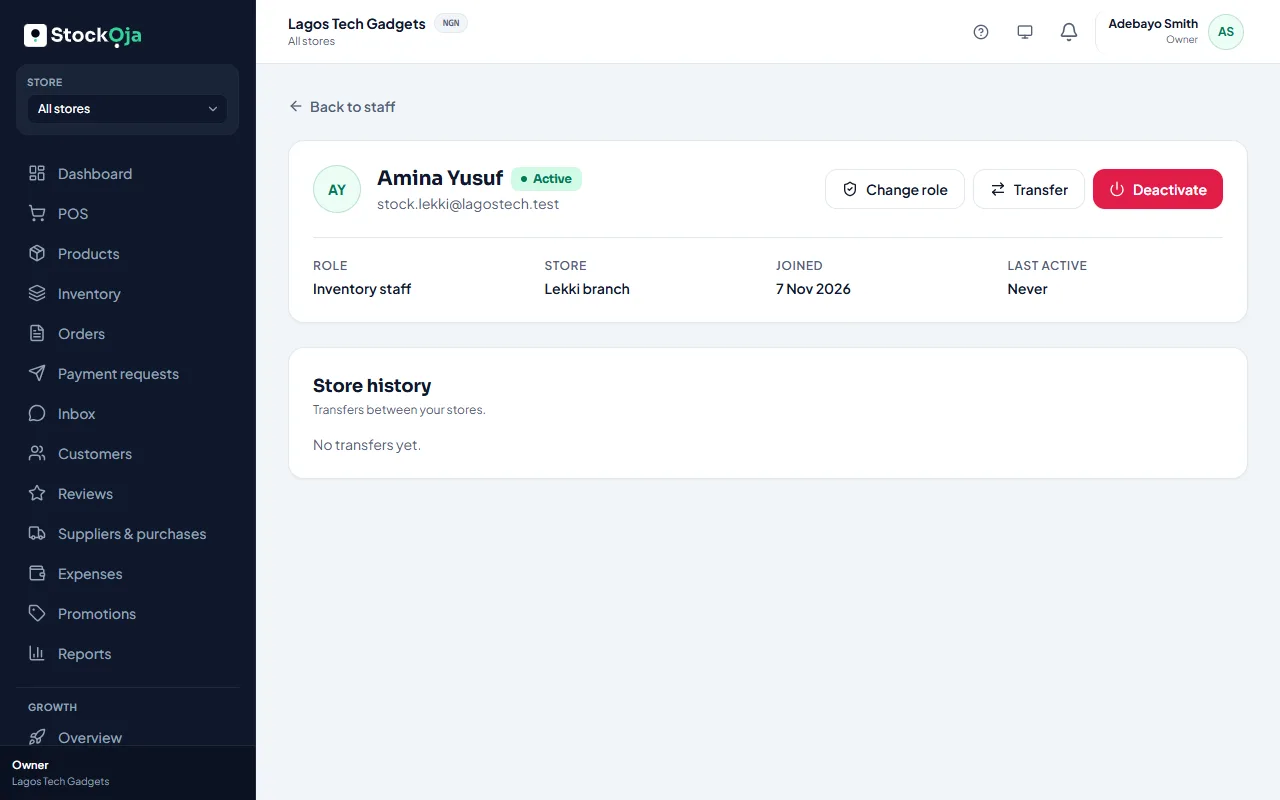
Deactivate
Go to Staff and open the person.
Select Deactivate and, if you like, add a reason.
Confirm.
They’re signed out immediately and can’t sign in.
Reactivate
Open the person and select Reactivate. They can sign in again. This counts toward your plan’s staff limit.
Related articles
- Invite staff Send an email invitation with a role, and a store for store staff.
- Deactivate or reactivate a store Close a branch without losing its history. You can reactivate it later.
- Change a staff member’s role Give someone more or less access. It takes effect immediately.
- Create a custom role Pick exactly which permissions a role has, and whether it works in one store or all.