Export reports to CSV
Download a report or your expenses as a CSV file for Excel or your accountant.
Go to Reports, choose the tab and the Period.
Select Export CSV, or Export expenses for the expenses in the period.
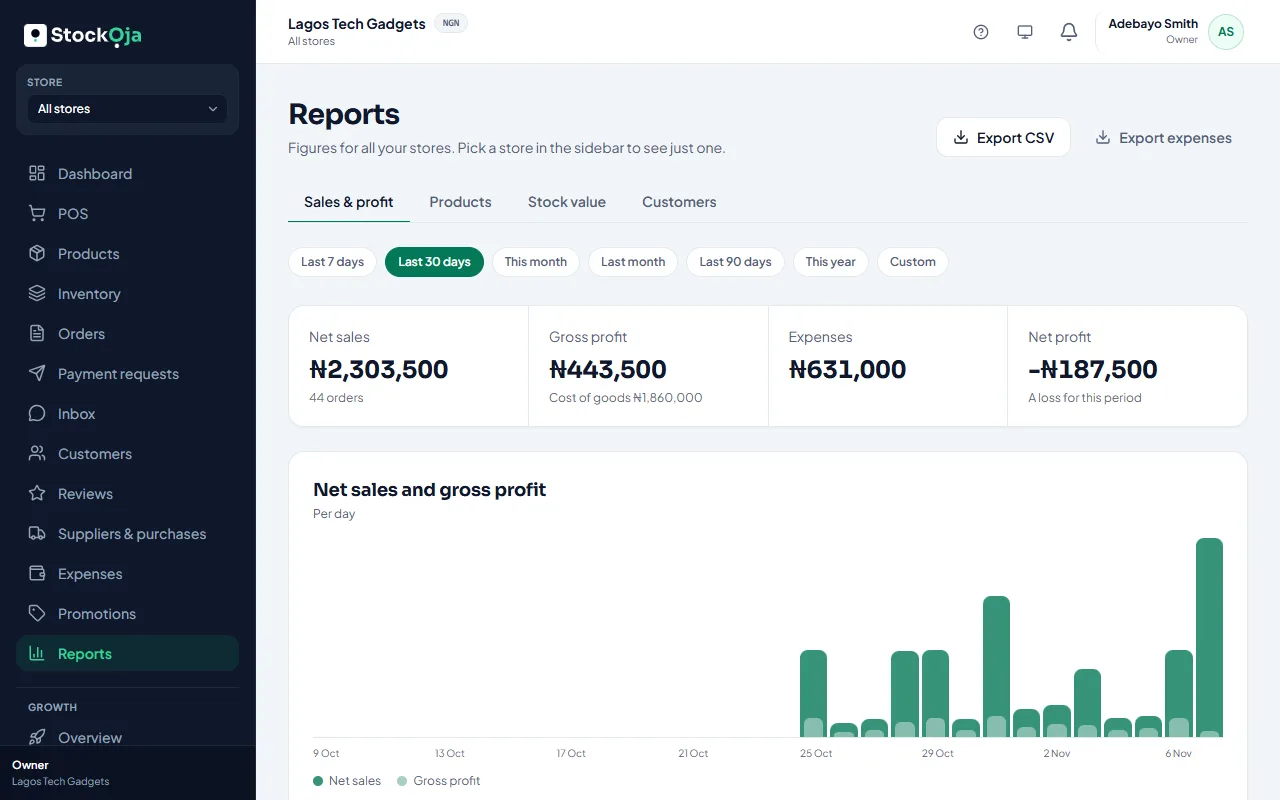
Open the file in Excel or Google Sheets, or send it to your accountant.
Related articles
- Sales and profit report Net sales, gross profit, expenses and net profit, by payment method, channel and store.
- Import products from a spreadsheet (CSV) Upload many products at once from a CSV file made in Excel or Google Sheets.
- Add and import leads Add a lead by hand, or import contacts from a CSV file. Duplicates are caught for you.
- Understand your dashboard Today’s sales, the last 7 days, open orders, low stock and what needs your attention.