Customer report
How many customers bought, how many came back, and who your top customers are.
Go to Reports → Customers. For the period you choose, see:
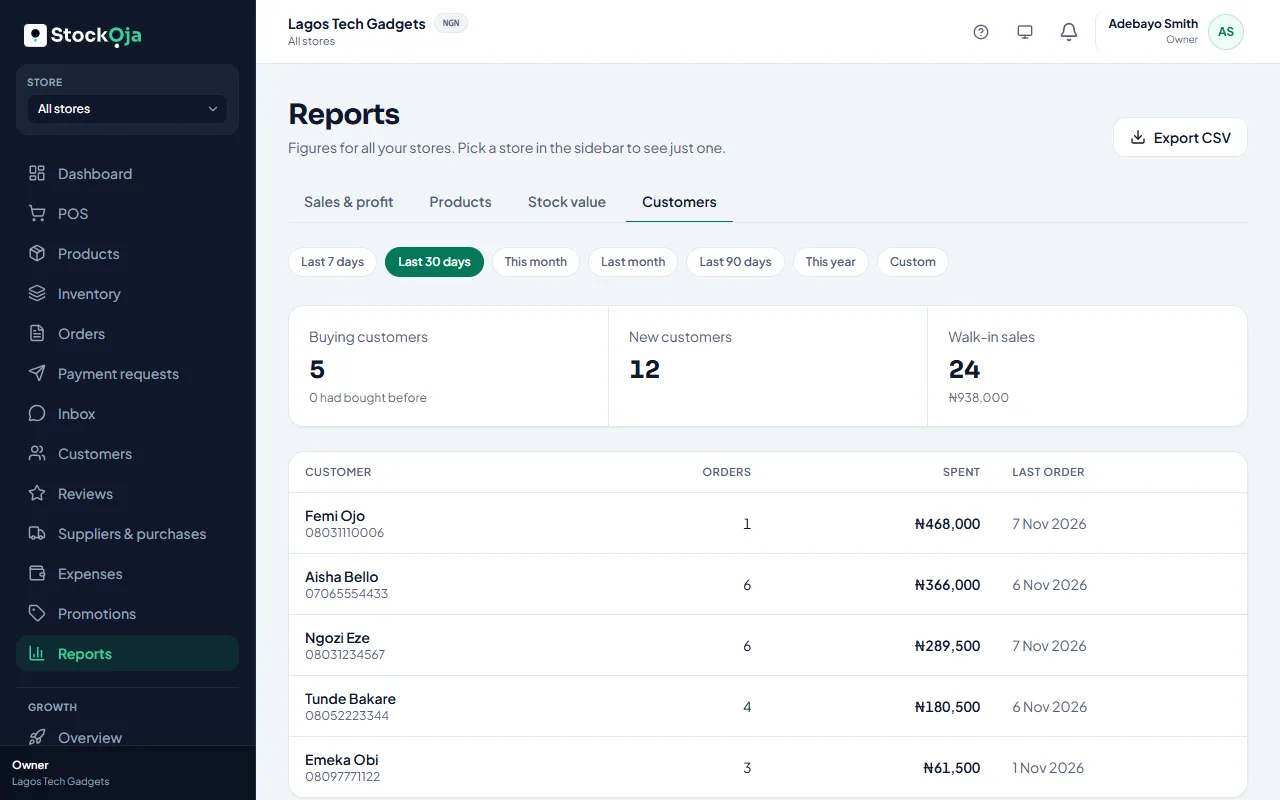
Buying customers, and how many had bought before;
New customers;
Walk-in sales: sales with no customer added;
Top customers: orders, amount spent and last order.
Related articles
- See what a customer has bought Orders, total spent and last purchase, in store and online.
- Add a customer to a sale Link a sale to a customer to keep their purchase history.
- Understand your dashboard Today’s sales, the last 7 days, open orders, low stock and what needs your attention.
- Export reports to CSV Download a report or your expenses as a CSV file for Excel or your accountant.