Add a customer to a sale
Link a sale to a customer to keep their purchase history.
Sales are for a Walk-in customer unless you choose one.
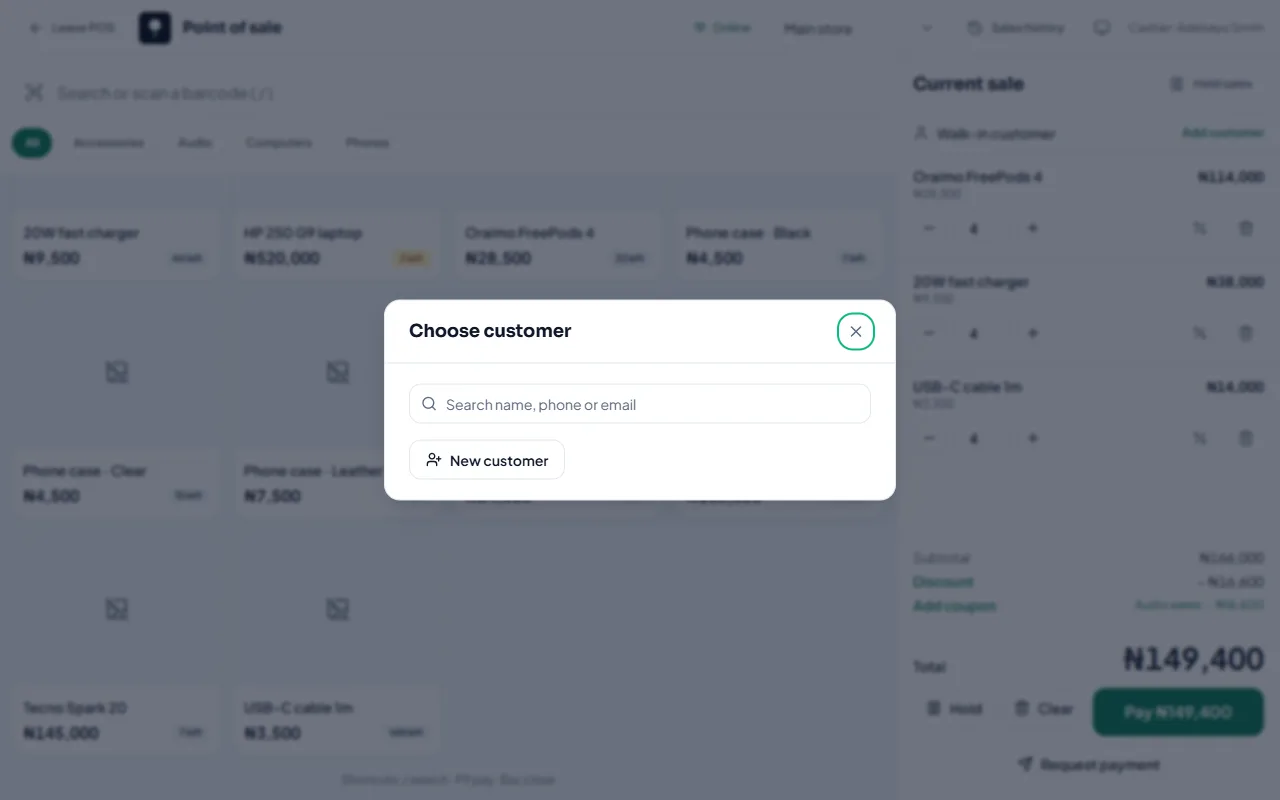
In Current sale, select Add customer.
Search by name, phone or email, and select Use.
Or select New customer and enter their details.
If the phone or email already belongs to a customer, StockỌja offers Use existing customer, so you don’t get duplicates.
The sale then shows in the customer’s history.
Related articles
- Add and manage customers Keep your customers’ contact details and notes in one list, shared by all stores.
- See what a customer has bought Orders, total spent and last purchase, in store and online.
- Sell at the counter with the POS Find or scan products, take payment and complete the sale. Stock goes down by itself.
- Selling when the internet is down The POS keeps working offline. Sales are saved on the device and sync when you’re back online.