See what a customer has bought
Orders, total spent and last purchase, in store and online.
Open a customer in Customers to see:
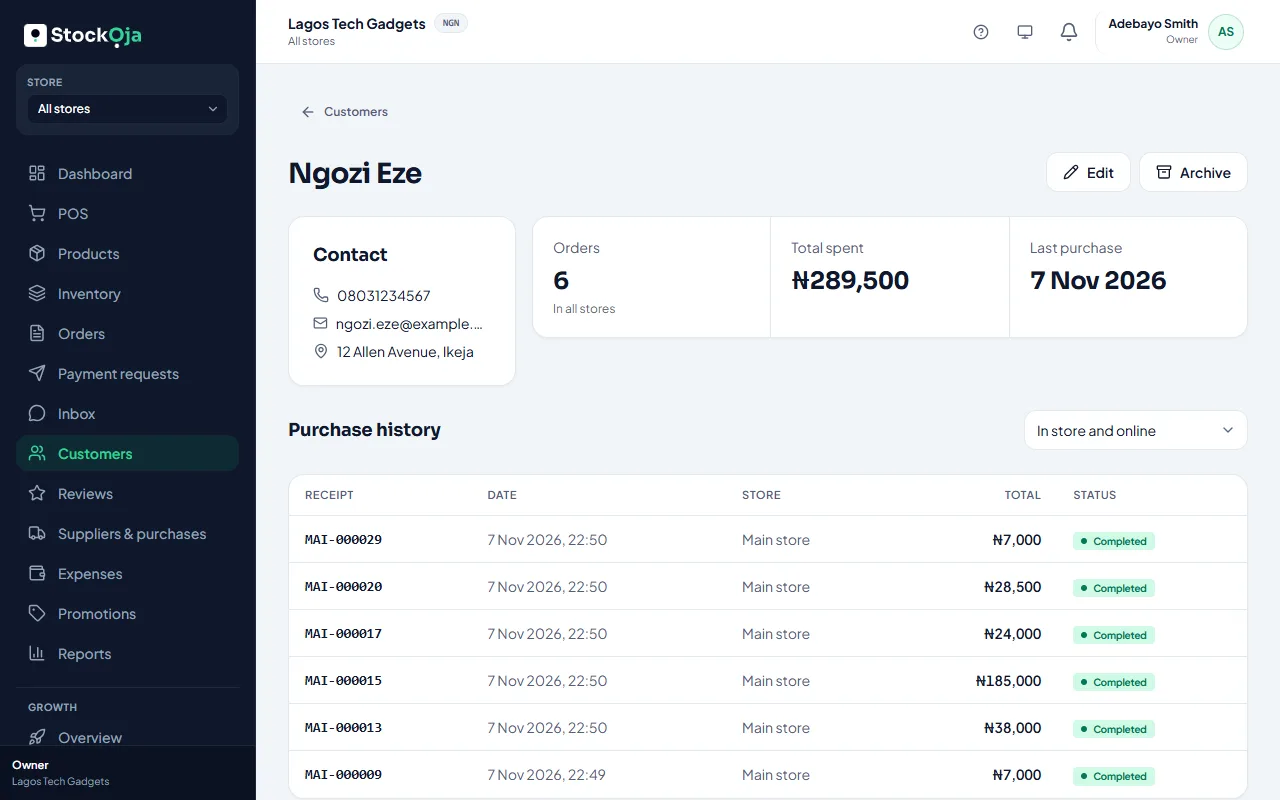
Orders: how many times they’ve bought.
Total spent.
Last purchase.
Purchase history: every sale and order. Filter by In store or Online.
The numbers are for the store you’re working in, or In all stores when you choose All stores in the store menu.
Related articles
- Add and manage customers Keep your customers’ contact details and notes in one list, shared by all stores.
- Customer report How many customers bought, how many came back, and who your top customers are.
- Product reviews Customers review what they bought after pickup or delivery. Hide reviews that break your rules.