Sizes, colours and other variants
Sell one product in several sizes or colours, each with its own stock, code and price.
Use options when one product comes in versions, like a shirt in S, M and L, or a phone in two colours. Each version (variant) has its own stock.
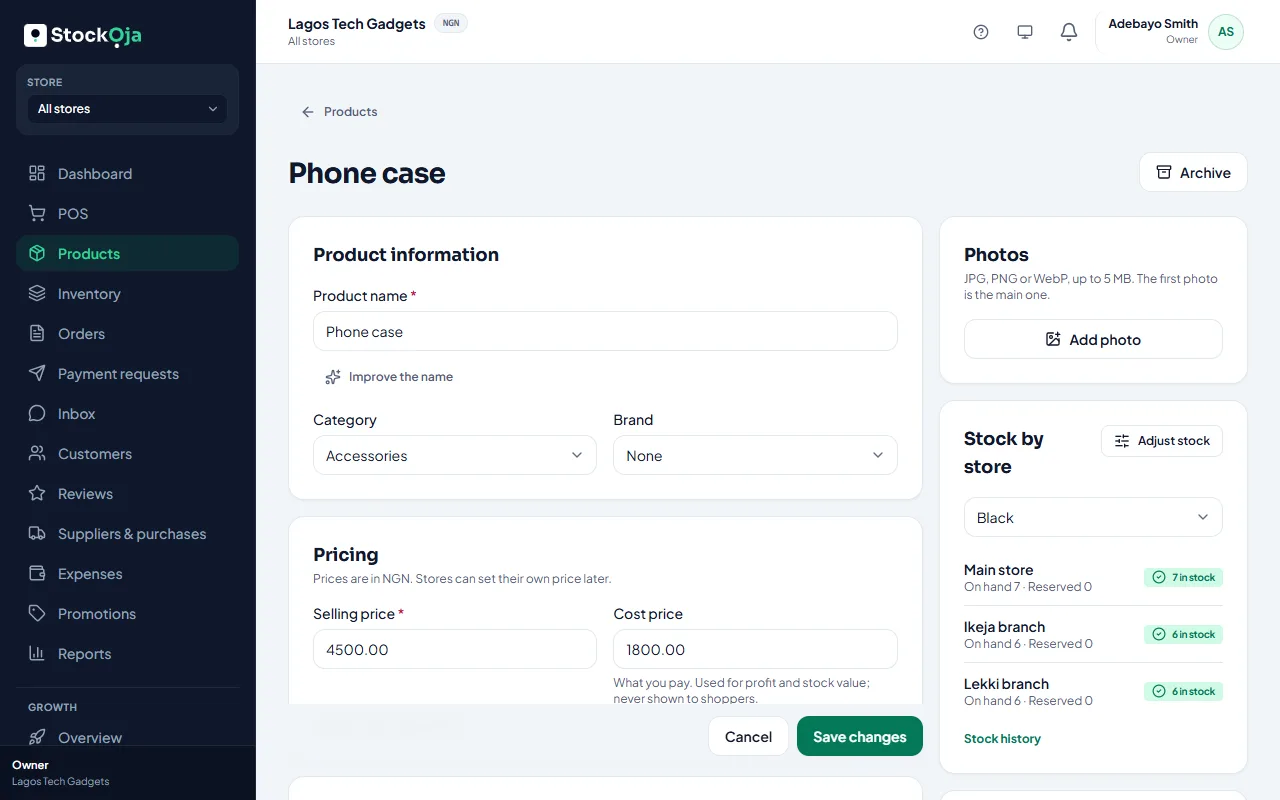
Add or edit the product and choose All details.
In Option (e.g. Size), type the option name.
In Values, comma separated, type the choices, for example S, M, L.
Select Add option for another, such as Colour.
Save.
StockỌja makes a variant for each combination, for example Red / S, Red / M.
Add sizes or colours to a product you already have
If a product was saved without options and you now sell it in sizes or colours, open the product, choose Edit, and in Variants select Add sizes or colours.
Type each option and its values, for example Size: S, M, L. Then select Make combinations.
Choose which combination your current stock goes on, for example M. Its stock, SKU, barcode and sales history stay with it.
Tick the new combinations you sell. You can give each one a SKU, barcode, price and opening stock.
Select Save variants.
To add a new value later, such as size XL or a new colour, select Change options and do the same. Only the missing combinations are created, and the variants you already have keep their stock.
Manage variants
On the product’s page you can edit or archive a variant, choose the main one, and set each variant’s SKU, barcode and price (blank uses the product’s price). A variant's name follows its values, for example Red / M. Each variant’s stock is in Inventory.
Related articles
- Add a product Add one product with its price and stock, then add more details whenever you like.
- Barcodes and SKUs Scan products at the POS and keep your own stock codes.
- Add product photos Good photos sell better online. Add several and choose the main one.
- Add several products quickly Type many products in rows, with just a name, price and quantity.