Barcodes and SKUs
Scan products at the POS and keep your own stock codes.
SKU: your own stock code. It must be unique.
Barcode: the code printed on the pack. Scan it or type it.
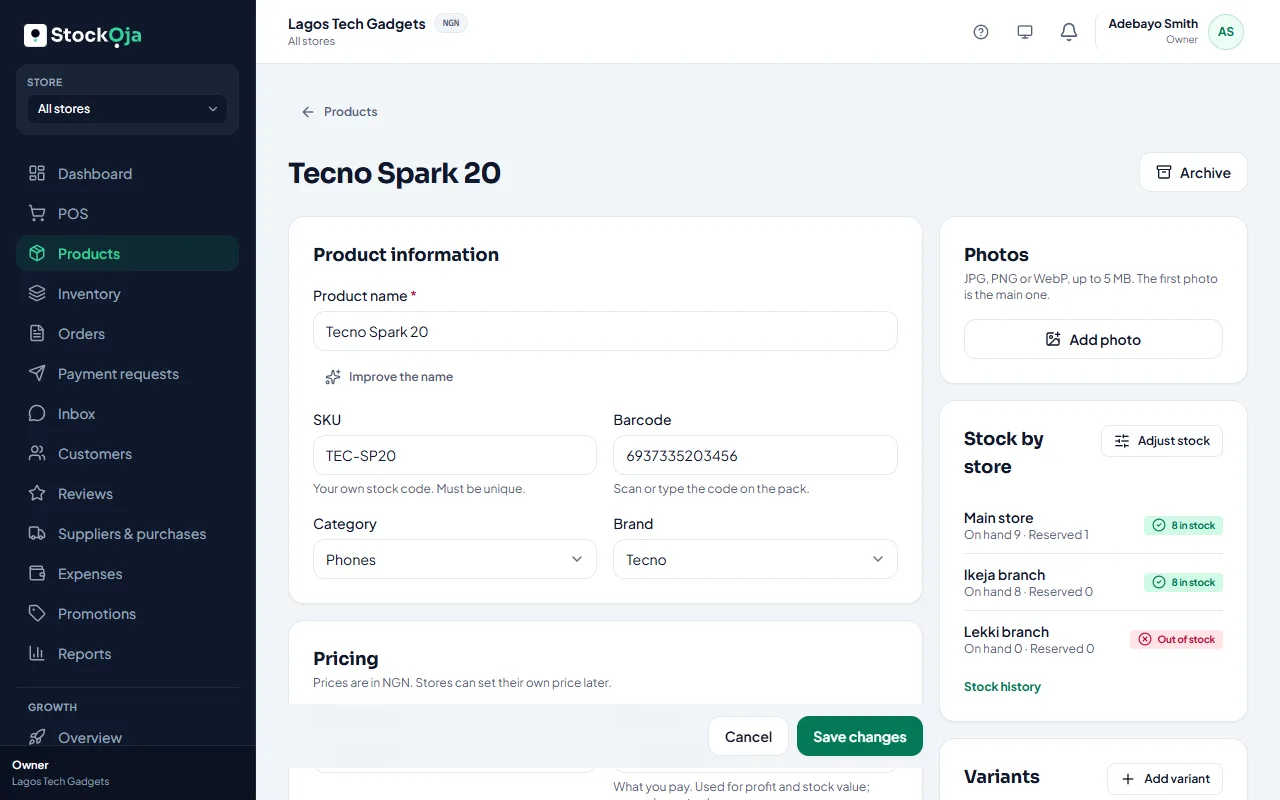
Add them in the product form under All details (or More options in Quick add). Products with variants have a SKU and barcode for each variant.
Scanning at the POS
A USB or Bluetooth barcode scanner works like a keyboard. In the POS, scan a product and it’s added to the sale. You can also type a SKU or barcode in the search box.
Related articles
- Sell at the counter with the POS Find or scan products, take payment and complete the sale. Stock goes down by itself.
- Sizes, colours and other variants Sell one product in several sizes or colours, each with its own stock, code and price.
- Add a product Add one product with its price and stock, then add more details whenever you like.
- Add product photos Good photos sell better online. Add several and choose the main one.