Add product photos
Good photos sell better online. Add several and choose the main one.
Open the product. (A new product must be saved before you can add photos.)
Under Photos, select Add photo.
Choose a JPG, PNG or WebP image up to 5 MB.
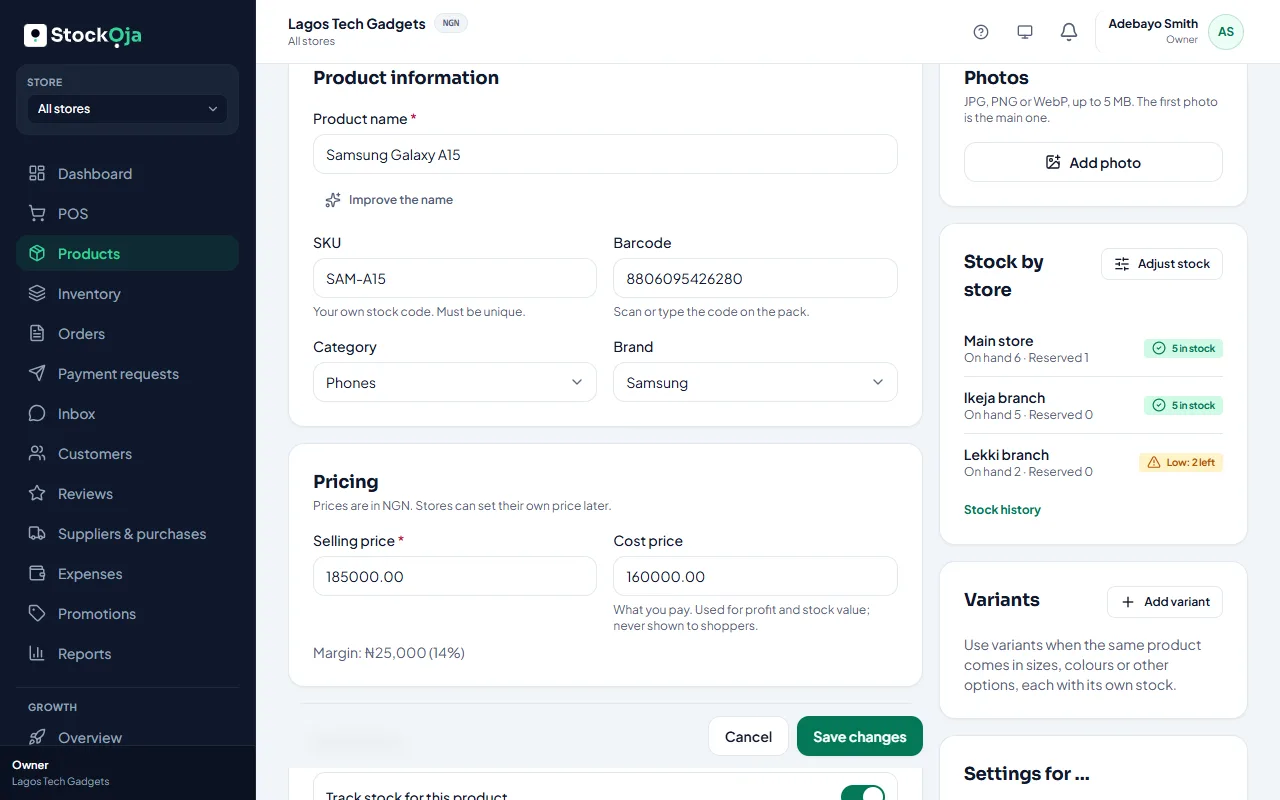
The first photo is the main one. Use the arrows to move a photo earlier or later, or remove it.
Tips for good photos
One product per photo, on a plain background.
Good daylight; avoid flash glare.
Label or logo facing the camera.
Square photos look best on your store.
Related articles
- Add a product Add one product with its price and stock, then add more details whenever you like.
- Set up and publish your online store Choose your address, add a bank account, put products online and publish.
- Add several products quickly Type many products in rows, with just a name, price and quantity.
- Archive or restore a product Stop selling a product without losing its sales and stock history.