Archive or restore a product
Stop selling a product without losing its sales and stock history.
Products aren’t deleted, so your sales history stays right.
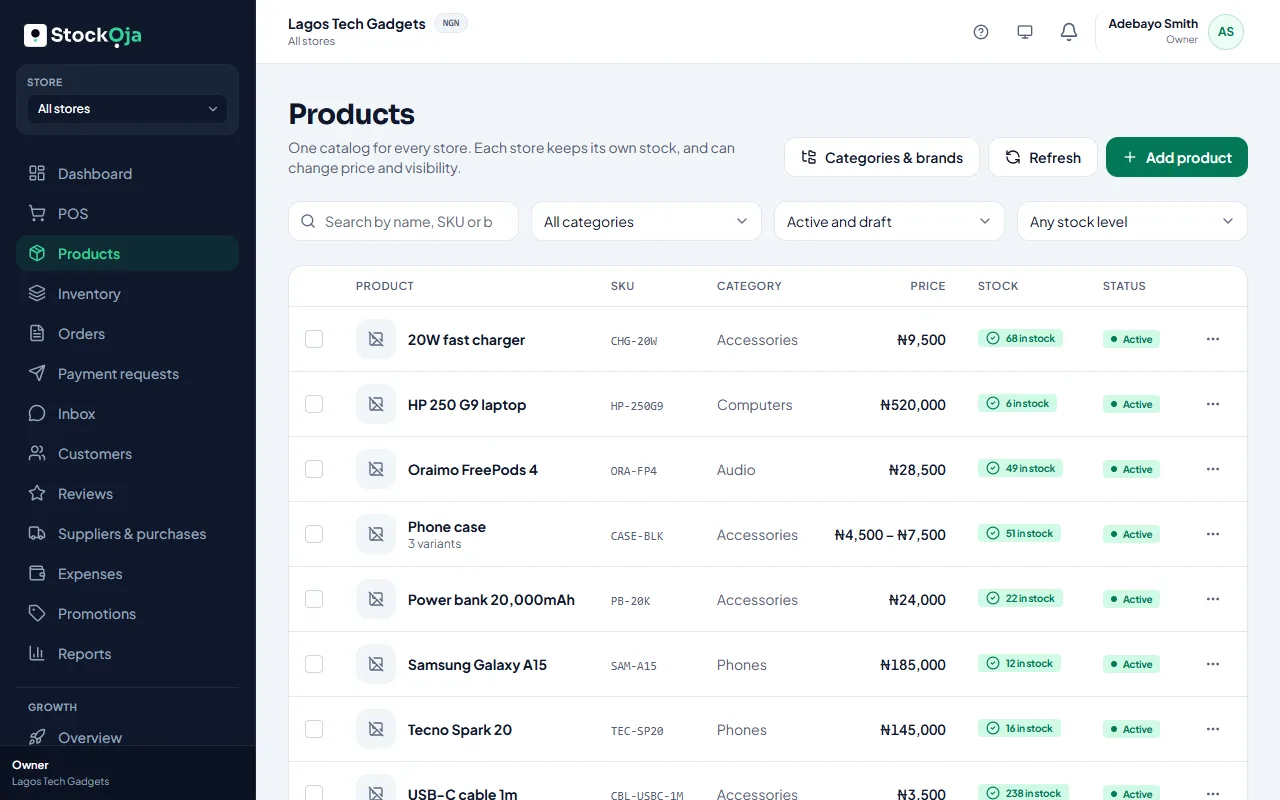
Archive
Open the product’s menu in Products and select Archive, then confirm. To archive several, tick them and use Bulk actions → Archive.
An archived product no longer appears in the POS or your online store. Its sales history and stock records are kept.
Restore
Turn on Show archived, find the product and select Restore.
Related articles
- Add a product Add one product with its price and stock, then add more details whenever you like.
- Add product photos Good photos sell better online. Add several and choose the main one.
- Add several products quickly Type many products in rows, with just a name, price and quantity.
- Barcodes and SKUs Scan products at the POS and keep your own stock codes.