Print a receipt
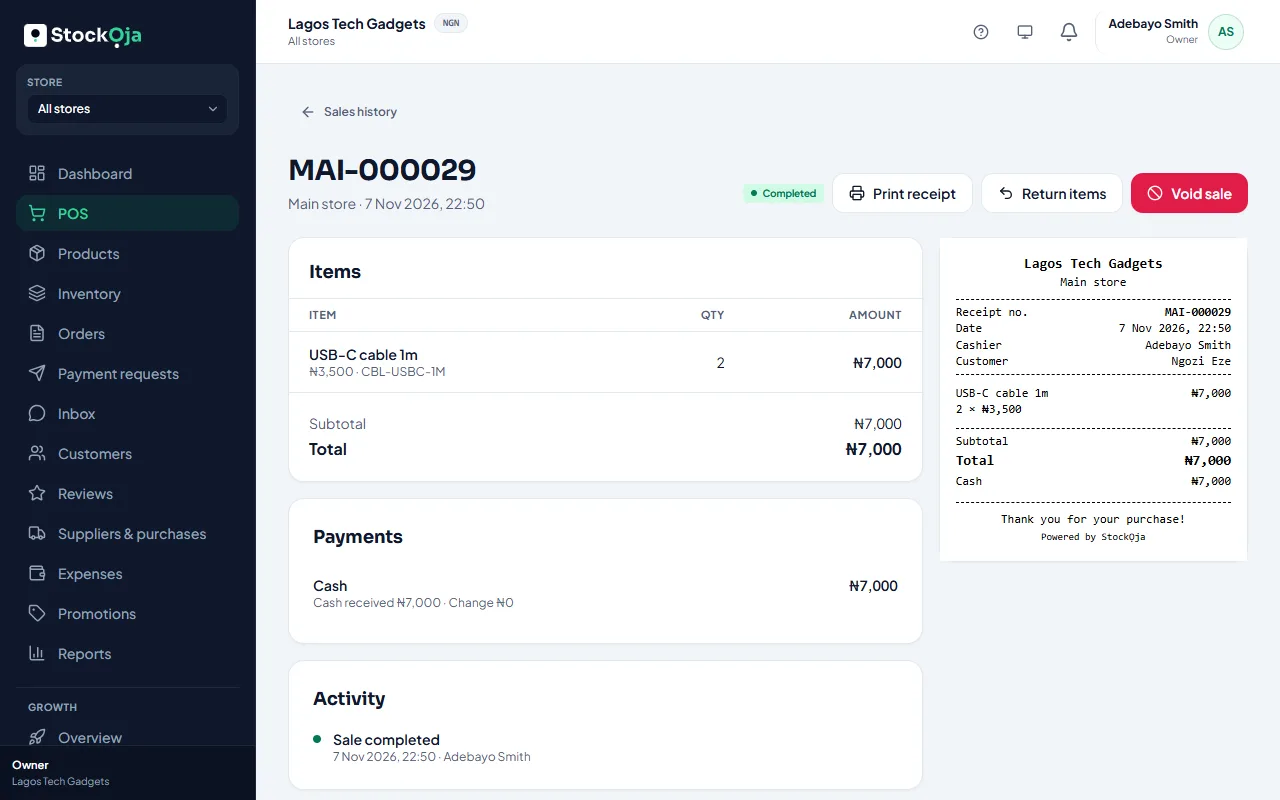
Print the receipt after a sale, or reprint it later from Sales history.
After a sale
On Sale complete, select Print receipt. Your browser’s print window opens. Choose your receipt printer.
Reprint later
Go to POS → Sales history, open the sale and select Print receipt.
Printers
Receipts are laid out for 80 mm thermal receipt printers. Any printer your computer or phone can print to will work; on A4 the receipt prints as a narrow strip.
Receipts show your business name, logo, the store, the cashier, items, payments and your Receipt footer. Set these in Receipt settings.
Related articles
- Receipt footer and numbers Add a returns policy or thank-you note to receipts, and set each store’s receipt prefix.
- Find a past sale Look up in-store sales with their receipts, payments and returns.
- Billing history and invoices Every plan payment, with its invoice number, date, amount and status.
- Payment receipts for remote payments Each payment on a remote order gets a receipt you can view or print.