Billing history and invoices
Every plan payment, with its invoice number, date, amount and status.
Go to Plan & billing → Billing history. Each plan payment shows its Invoice number, Description, Date, Amount and status: Paid, Pending or Failed.
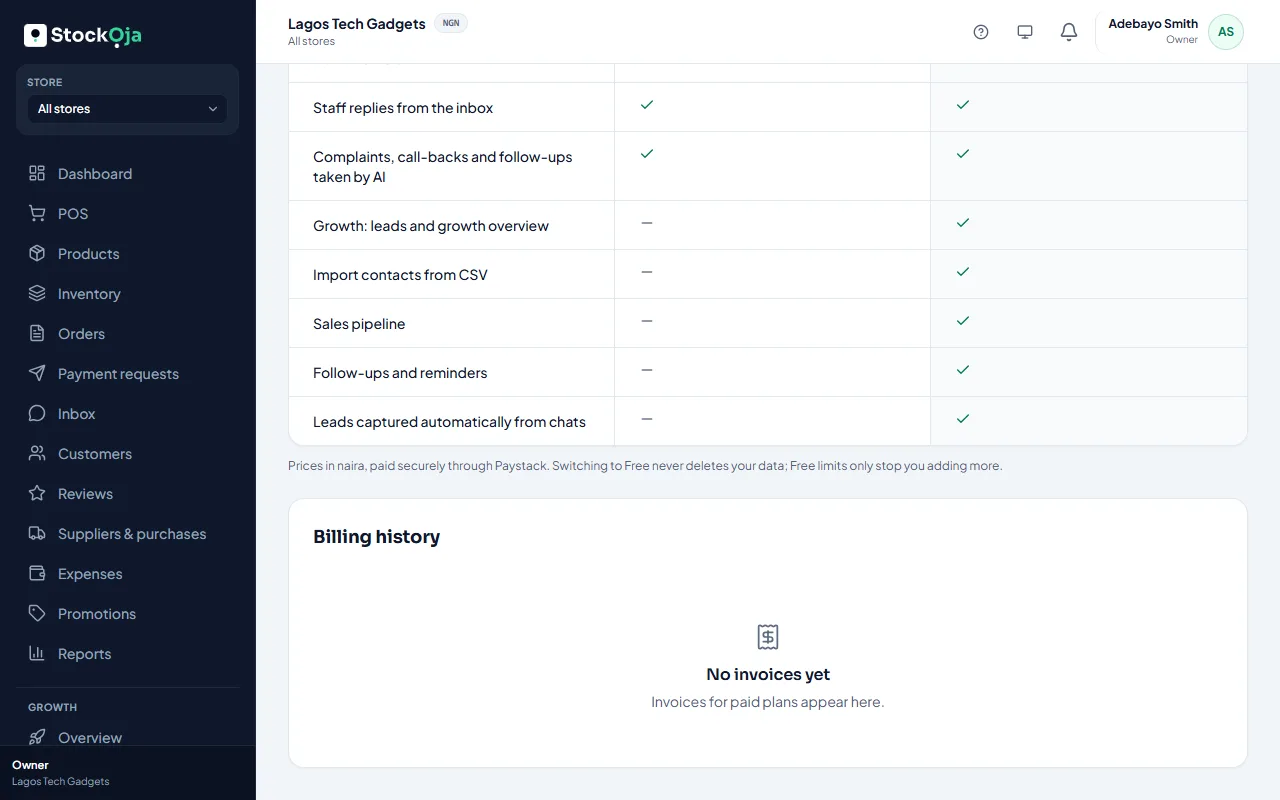
Need a copy for your records? Contact support with the invoice number.
Related articles
- Upgrade or change your plan Pay for a plan by card through Paystack, renew automatically, or switch back to Free.
- I paid but my plan didn’t change What to do when a plan payment is still pending or didn’t go through.
- Request a payment with a link Create an order at the POS for a customer who isn’t there, and send them a secure link to pay.
- Payment receipts for remote payments Each payment on a remote order gets a receipt you can view or print.