Payment receipts for remote payments
Each payment on a remote order gets a receipt you can view or print.
Each payment on a remote order has a receipt: a Part payment receipt for a deposit, and a Payment receipt when it’s paid in full.
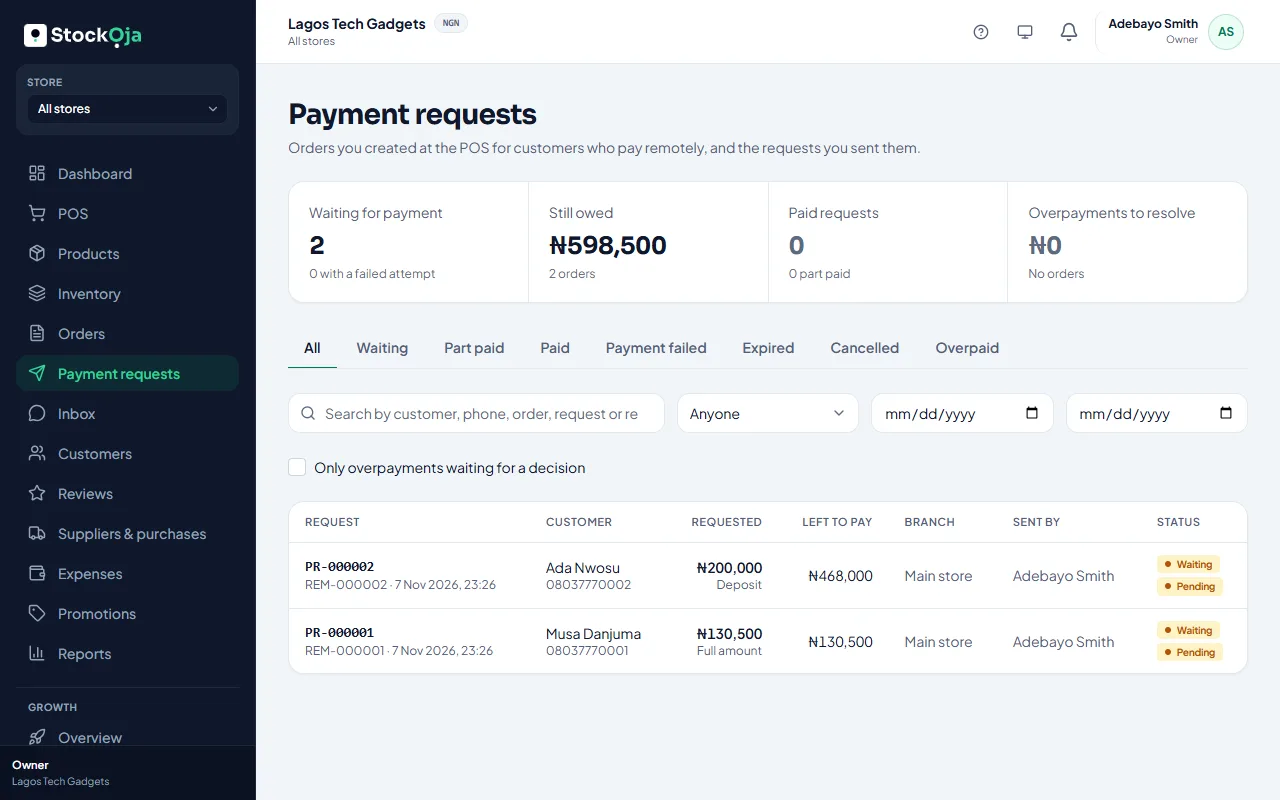
Open the order or request and select View receipt. It shows the amount received, the order total, what’s been paid so far and what’s Left to pay. Select Print for a paper copy.
The customer also gets an email when their payment is confirmed.
Related articles
- Track payment requests, deposits and balances See what’s waiting, part paid or paid, ask for the balance, and resolve overpayments.
- Billing history and invoices Every plan payment, with its invoice number, date, amount and status.
- Print a receipt Print the receipt after a sale, or reprint it later from Sales history.
- Receipt footer and numbers Add a returns policy or thank-you note to receipts, and set each store’s receipt prefix.