Add and manage customers
Keep your customers’ contact details and notes in one list, shared by all stores.
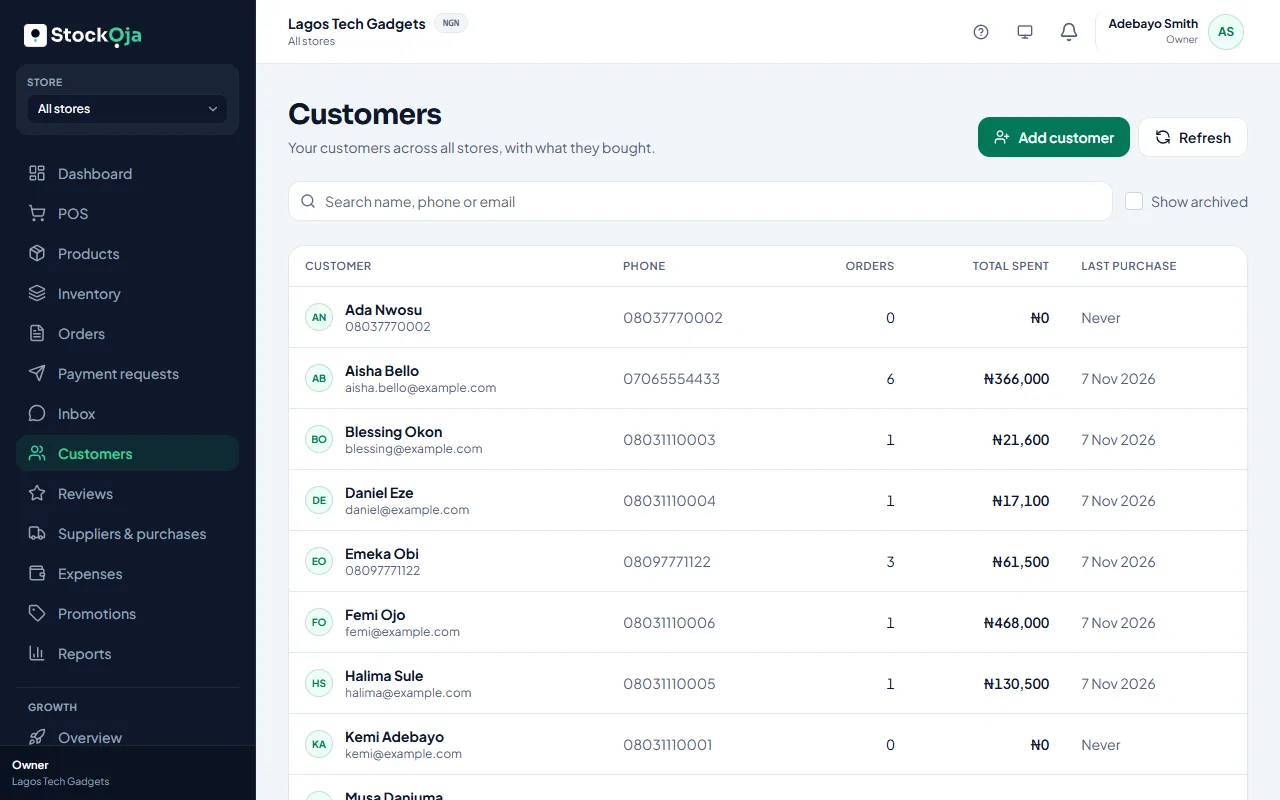
Add a customer
Go to Customers and select Add customer.
Enter their name, phone, email and address.
Add Notes if useful, such as sizes or preferences. Only your team sees notes.
Save.
You can also add customers at the POS while selling. Customers who order on your online store are added for you.
Edit or archive
Open the customer to edit their details. Select Archive to remove them from searches; their purchase history is kept, and you can restore them with Show archived.
Related articles
- See what a customer has bought Orders, total spent and last purchase, in store and online.
- Add a customer to a sale Link a sale to a customer to keep their purchase history.
- Contact StockỌja support Send a request from the app. We reply there and by email.
- What Growth does for your business Leads, a sales pipeline, follow-ups, campaigns and automatic messages, with paid amounts taken from real orders.