Selling when the internet is down
The POS keeps working offline. Sales are saved on the device and sync when you’re back online.
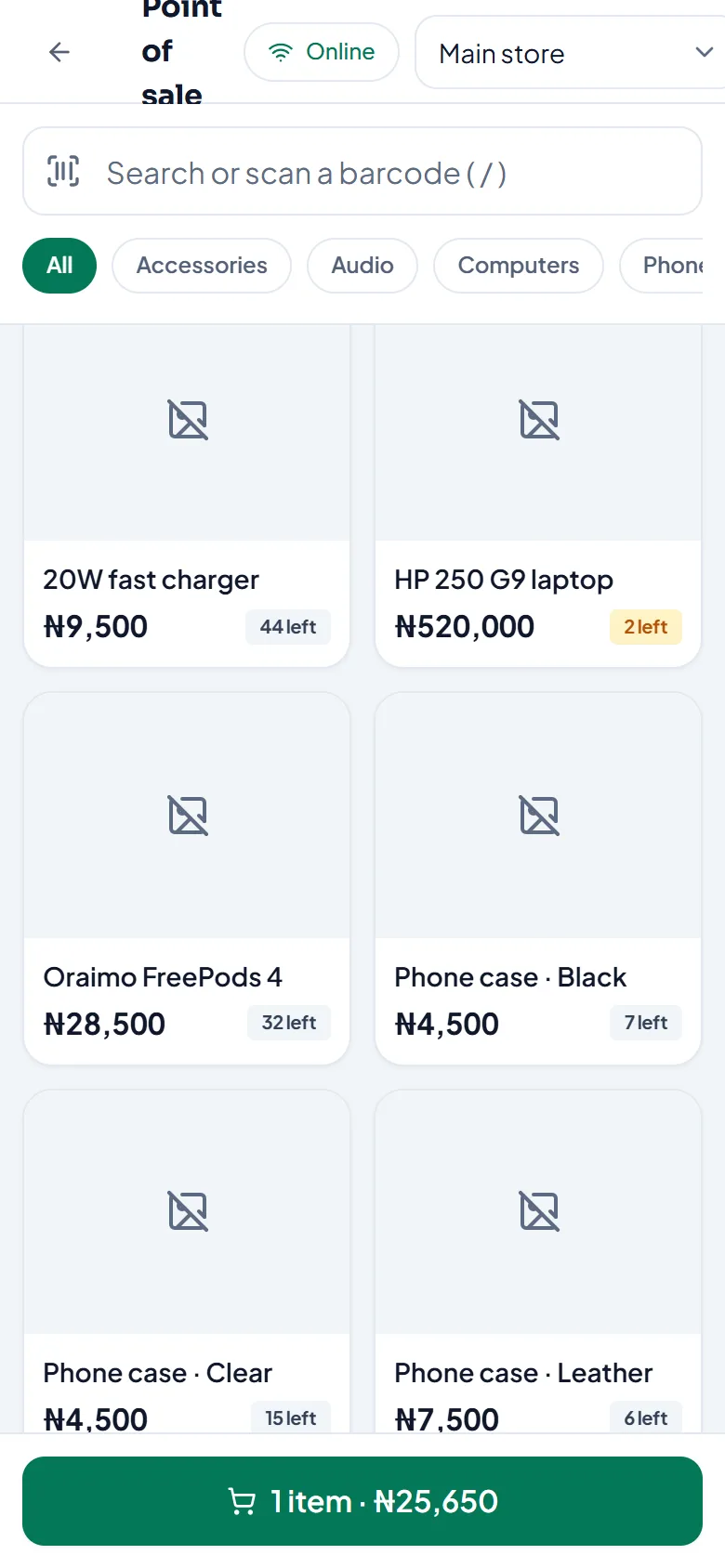
Get ready (once, while online)
Sign in on the device and open the POS for your store. StockỌja downloads your products and prices to the device. The POS shows when they were last downloaded.
When the connection drops
Keep selling. The status at the top shows Offline and how many changes will sync later.
Sales are saved on the device.
Stock shown is the device’s copy, including what it has sold.
You can also record expenses, add or remove stock, and return items.
When you’re back online, everything syncs by itself. You’ll see All changes synced.
What needs a connection
Coupons.
Setting stock to a counted quantity.
Using a device that has never downloaded your products.
Open Sync status (the indicator at the top) to see what’s waiting and what needs attention.
Related articles
- Offline sales that need attention Why a sale saved offline didn’t sync, and how to fix it.
- Connection problems What “You’re offline” and “Network error” mean, and what still works.
- Sell at the counter with the POS Find or scan products, take payment and complete the sale. Stock goes down by itself.
- Add a customer to a sale Link a sale to a customer to keep their purchase history.