Give a discount or use a coupon
Take an amount or percentage off one item or the whole sale, or apply a coupon code.
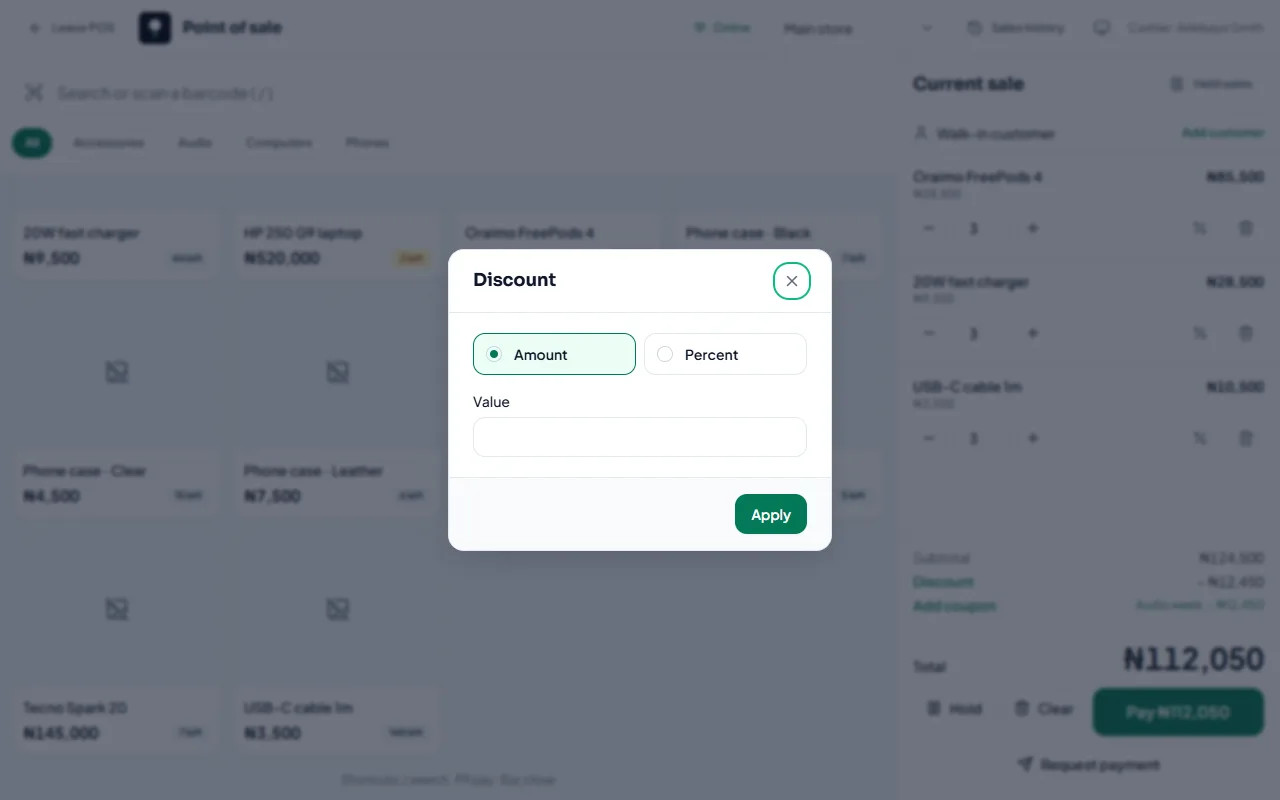
Discount on the whole sale
In Current sale, select Discount.
Choose Amount or Percent and enter the value.
Select Apply.
Discount on one item
Open the item in the cart and set a Line discount.
Coupons
Select Add coupon and type the Coupon code. Coupons come from Promotions. A coupon replaces any manual discount on the sale.
Coupons need an internet connection.
Related articles
- Create a coupon or automatic discount Run a coupon code for a campaign, or an automatic discount such as 10% off drinks.
- Permissions explained What each permission allows, grouped by area.
- Sell at the counter with the POS Find or scan products, take payment and complete the sale. Stock goes down by itself.
- Selling when the internet is down The POS keeps working offline. Sales are saved on the device and sync when you’re back online.