Failed payments and refunds
What happens when an online payment fails, and how refunds reach customers.
When a payment fails
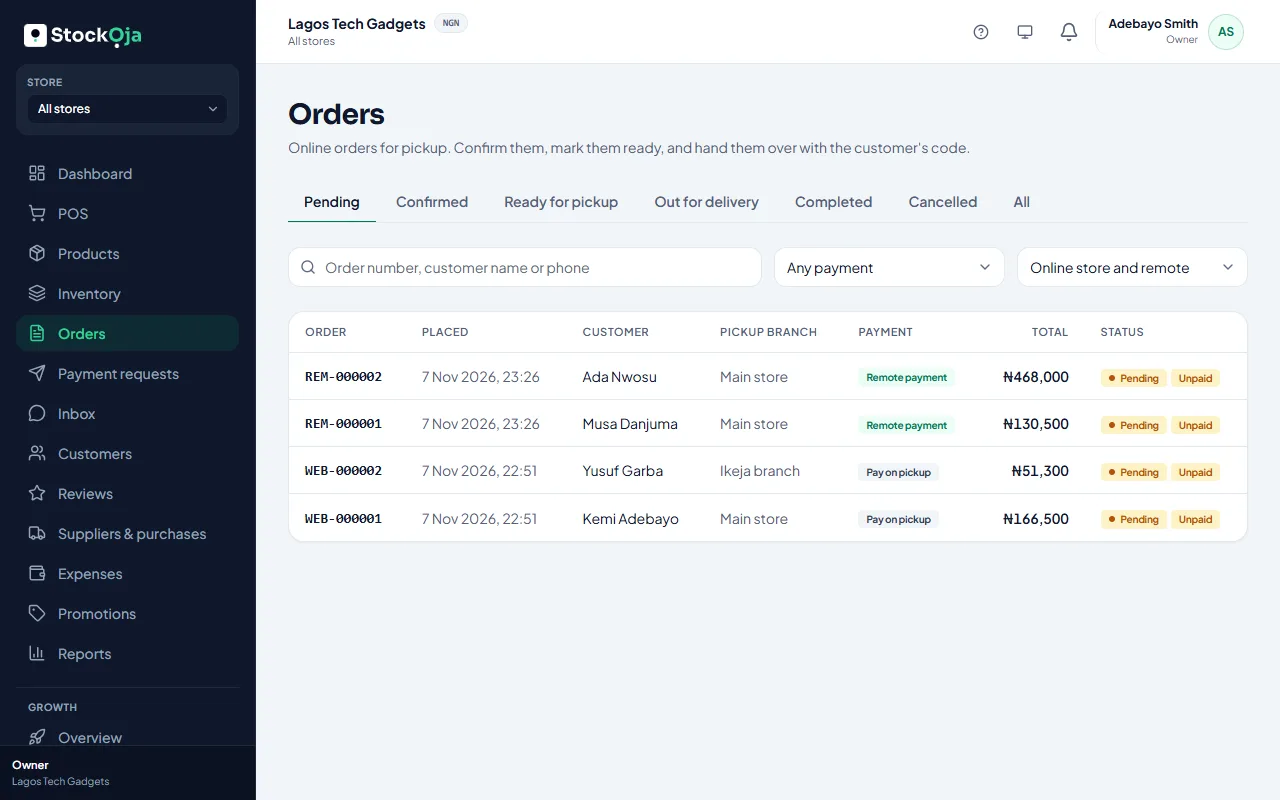
The order shows Payment failed and stays unpaid. The customer can try again from their order page or payment link. Stock is held until the order or request expires.
If the amount paid doesn’t match the order, the payment isn’t accepted, and the order’s timeline says so.
Refunds
Cancelling a paid online order refunds the customer in full through Paystack.
Overpayments on remote orders can be refunded from the order.
Refunds go back the way the customer paid. Banks can take a few working days to show them.
If a refund doesn’t go through, StockỌja retries automatically. You can also select Try the refund again on the order.
In-store returns are refunded at the counter. See Return items or void a sale.
Related articles
- Cancel an order and refund the customer Cancelling releases the stock. Online payments are refunded in full automatically.
- Track payment requests, deposits and balances See what’s waiting, part paid or paid, ask for the balance, and resolve overpayments.
- Return items or void a sale Refund some items, or cancel a whole sale entered by mistake.
- Request a payment with a link Create an order at the POS for a customer who isn’t there, and send them a secure link to pay.