Receive or reject an incoming transfer
Confirm what arrived. Anything missing goes back to the sending store.
Go to Inventory → Transfers → Incoming.
Open the transfer.
Select Receive stock and enter what actually arrived, or Accept everything.
Select Confirm receipt.
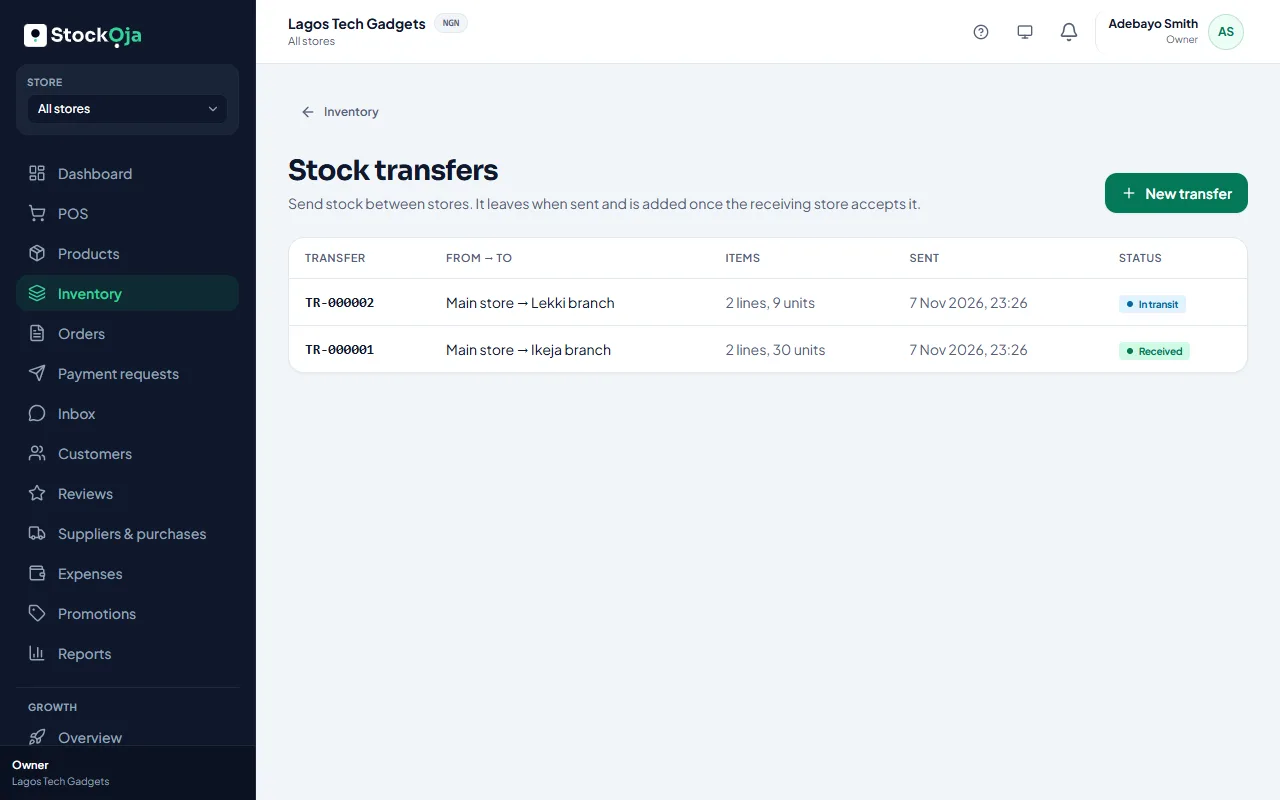
The stock is added to your store. If less arrived than was sent, the difference goes back to the sending store, and the transfer shows Partly received.
Reject it
Select Reject transfer and give a reason. All items go back to the sending store.
Related articles
- Transfer stock between stores Send stock from one branch to another. It arrives when the receiving store accepts it.
- Check your stock levels See what’s on hand, reserved for online orders and free to sell in each store.
- Adjust stock (and why a reason is required) Add, remove or set a counted quantity, with a reason that’s kept in the history.
- Count your stock and correct differences Do a stock count and record the real numbers with adjustments.