Count your stock and correct differences
Do a stock count and record the real numbers with adjustments.
There’s no separate stock-take screen. You count, then record the real numbers with adjustments.
Pick a quiet time, or count one shelf or category at a time.
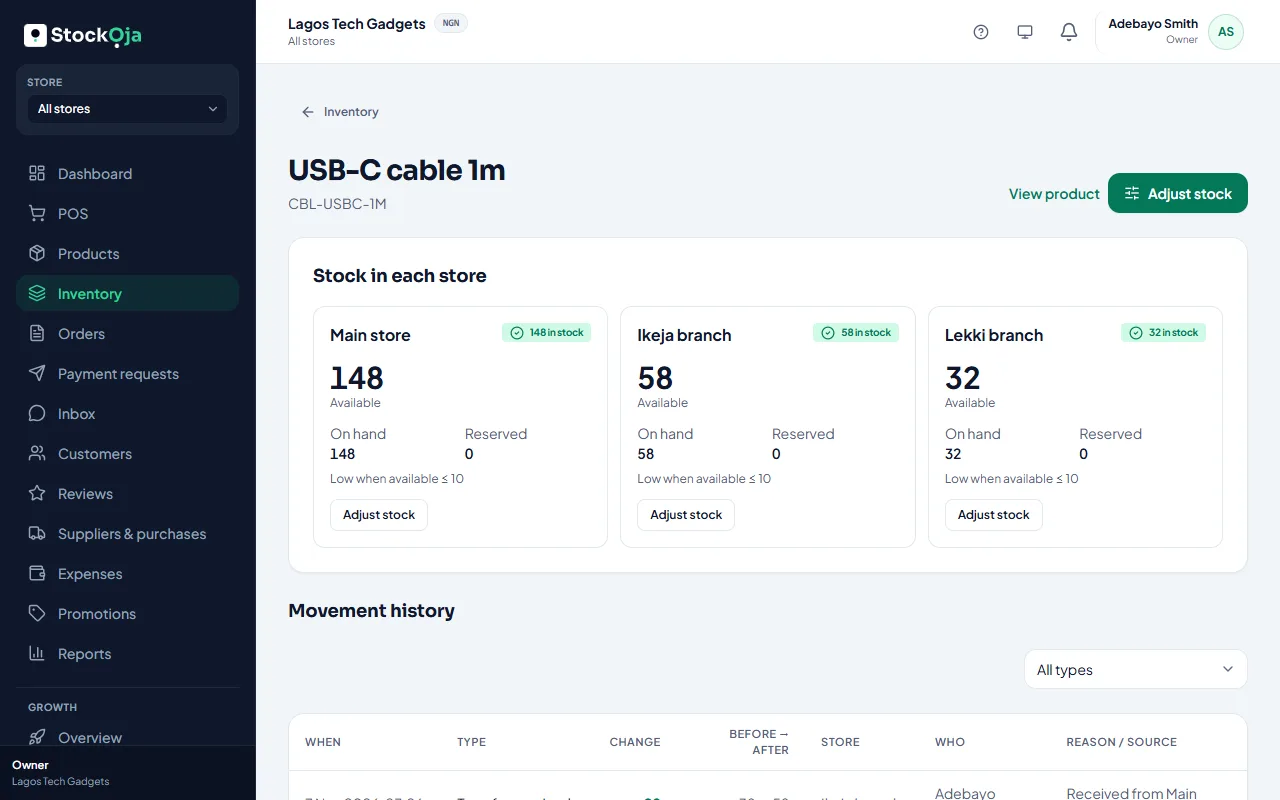
In Inventory, pick the store. Filter by category to work through a section.
Count each product.
Where your count differs, open the product, select Adjust stock, choose Set counted quantity, enter what you counted and the reason Stock count.
Review and confirm.
Each correction is in the stock history with your name, so you can see what was lost or found.
Related articles
- Adjust stock (and why a reason is required) Add, remove or set a counted quantity, with a reason that’s kept in the history.
- Stock numbers don’t match what’s on the shelf Find out why stock is off, and correct it.
- See who did what (activity log) A permanent record of important changes to your business, stores, staff and roles.
- Check your stock levels See what’s on hand, reserved for online orders and free to sell in each store.