Use the Help Centre
Search for answers, follow learning paths, see help for the page you’re on, and tell us if an article helped.
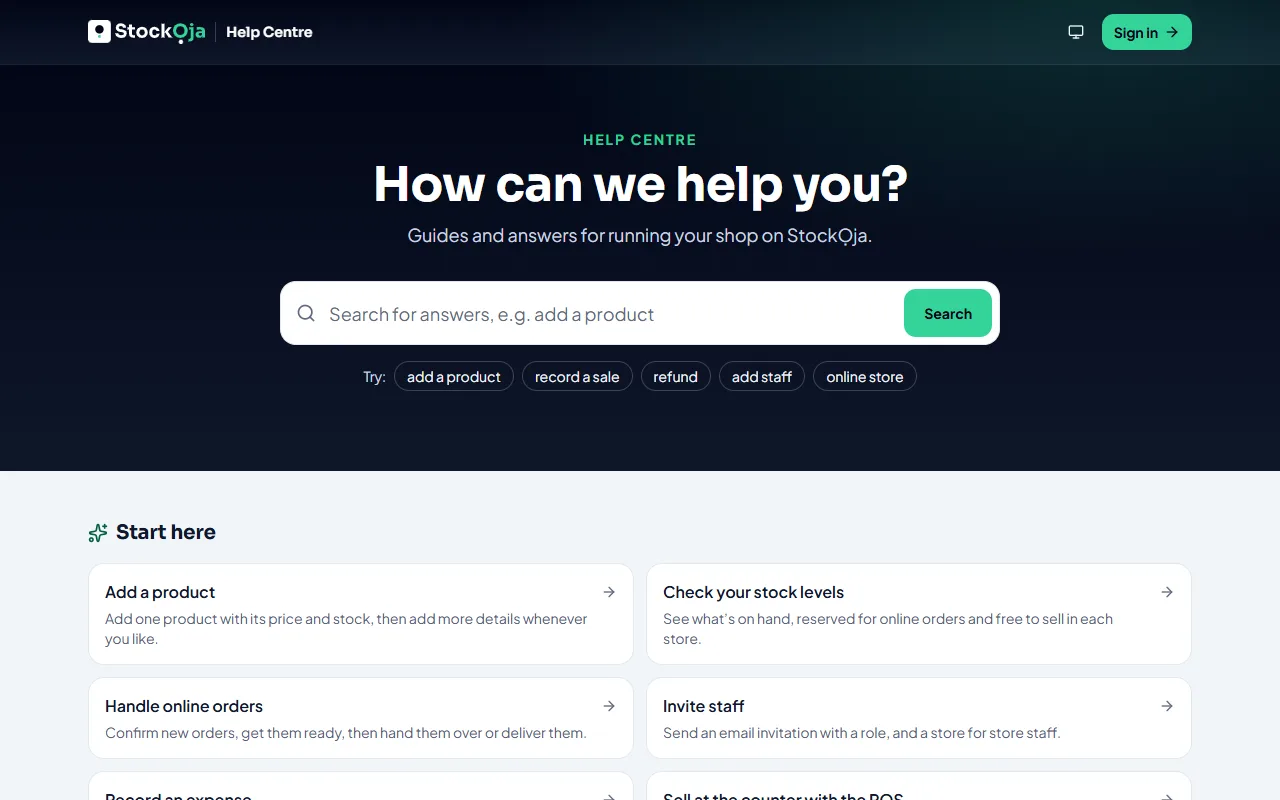
Find an answer
Search: type a few words, like “refund a sale”. Results appear while you type. Press Enter to see them all.
Browse topics: start from the Help Centre home.
Learning paths: step-by-step guides for one goal, such as opening your online store.
Help for the page you’re on
In the app, open Help (?). Under Help for this page you’ll see articles about the screen you’re using.
Some articles have Show me in the app. It starts a guided walkthrough of the task when you’re signed in.
Tell us if it helped
At the end of each article, answer Was this article helpful? If not, tell us what was wrong. We read every comment and use them to improve the articles.
Still stuck? Contact support.
Related articles
- Contact StockỌja support Send a request from the app. We reply there and by email.
- Take a guided tour Short tours show you around the app and walk you through common tasks, one step at a time.
- Create your account (email or Google) Sign up with your email and a password, or with your Google account. It’s free to start.
- Make your first sale in 5 minutes Add a product, then sell it at the POS. Stock goes down by itself.