Contact StockỌja support
Send a request from the app. We reply there and by email.
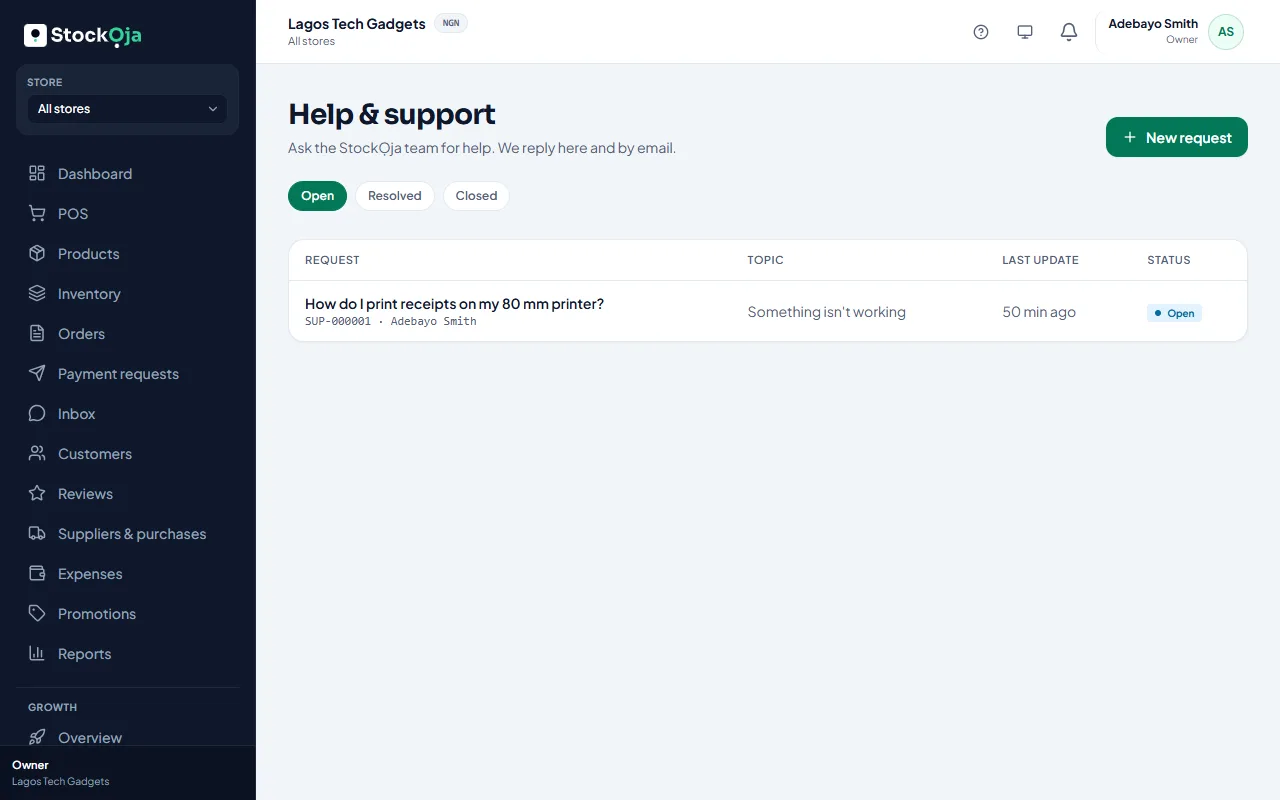
In StockỌja, go to Help & support and select New request.
Choose a Topic: General, Something isn’t working, Plan & billing, Account & access, or Idea or request.
Write a Subject and How can we help? Include what you were doing, which store, and any error message.
Select Send.
As you type the subject, we suggest help articles that may answer your question straight away.
Our reply
We reply in Help & support and by email. You’ll get a notification. Reply in the same request to keep everything together. Close it when you’re sorted.
Related articles
- Use the Help Centre Search for answers, follow learning paths, see help for the page you’re on, and tell us if an article helped.
- Add and manage customers Keep your customers’ contact details and notes in one list, shared by all stores.
- A feature is missing from my menu Menu items show only when your role allows them and your plan includes them.
- Connection problems What “You’re offline” and “Network error” mean, and what still works.