Use StockỌja on your phone or tablet
StockỌja runs in your phone’s browser. Add it to your home screen to open it like an app.
StockỌja works in the web browser on any phone, tablet or computer. There is nothing to download from an app store.
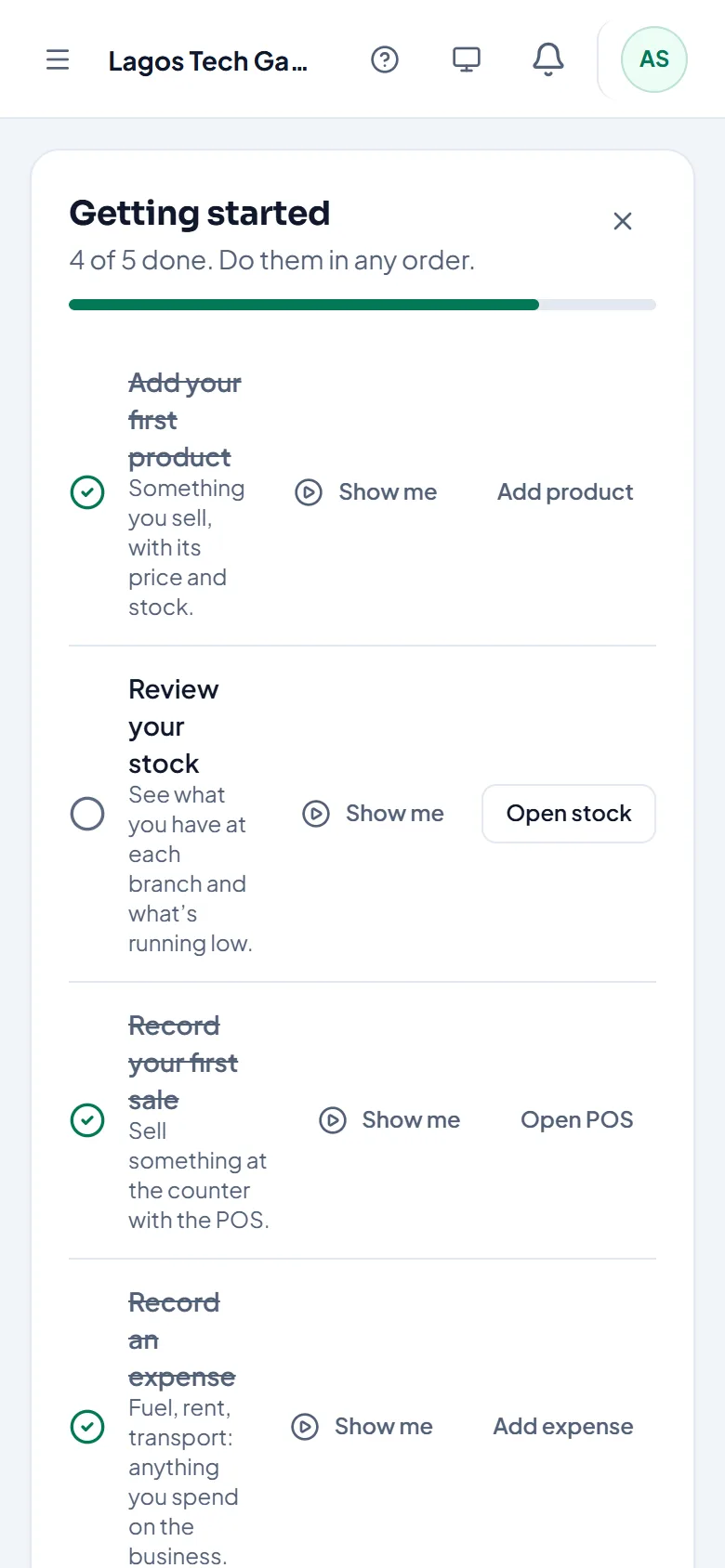
Add it to your home screen
Android (Chrome): open app.stockoja.com, tap the menu (⋮), then Add to Home screen.
iPhone or iPad (Safari): open app.stockoja.com, tap Share, then Add to Home Screen.
StockỌja then opens from its own icon.
Good to know
Everything works on a phone, including the POS. On a small screen, tap the cart button to see the sale.
The POS keeps selling when the internet drops. See Selling when the internet is down.
On iPhone, add StockỌja to your home screen before turning on push notifications.
Related articles
- Selling when the internet is down The POS keeps working offline. Sales are saved on the device and sync when you’re back online.
- Turn on push notifications Get alerts on your phone or computer even when StockỌja isn’t open.
- Change your name, phone or password Update your profile and password in Settings → Account and Settings → Security.
- Create your account (email or Google) Sign up with your email and a password, or with your Google account. It’s free to start.