Change your name, phone or password
Update your profile and password in Settings → Account and Settings → Security.
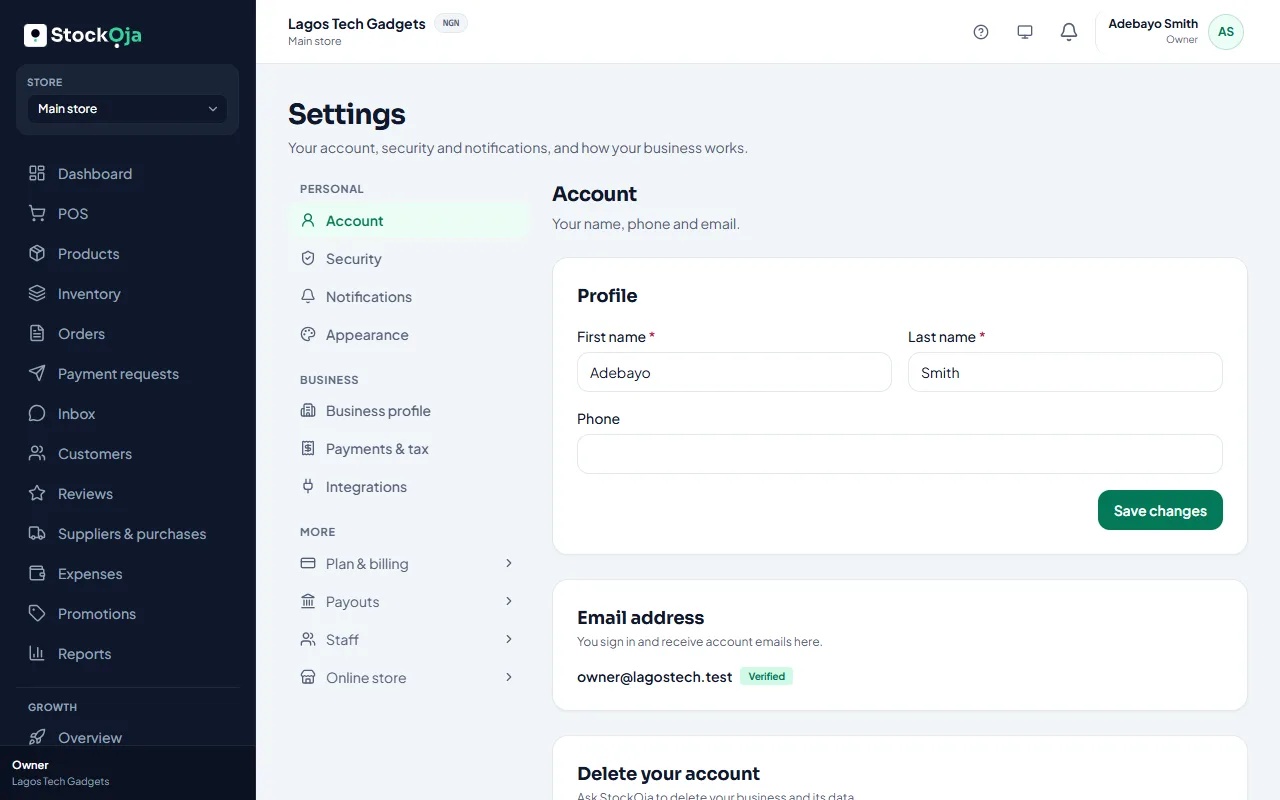
Your name and phone
Go to Settings → Account, change your details and save.
Your password
Go to Settings → Security.
Under Password, enter your current password and a new one (at least 8 characters, with a letter and a number).
Select Change password.
Changing your password signs you out on your other devices.
Related articles
- Connect or disconnect Google sign-in Sign in with your Google account instead of typing a password.
- Sign in and sign out Sign in with your email and password or with Google, and sign out when you’re done.
- Reset a forgotten password Get a reset link by email and choose a new password.
- Use StockỌja on your phone or tablet StockỌja runs in your phone’s browser. Add it to your home screen to open it like an app.