Set up your business (first steps)
The setup steps after sign-up: your business name, store address, look, delivery, bank account and first product.
After you sign up, StockỌja walks you through Set up your business. Your progress is saved, so you can stop and come back later. Most steps have Skip for now.
The steps
Let’s set up your store: your business name (shown on your store and receipts) and your Store web address, such as adewale-fashion.stockoja.com.
Make your store look like yours: pick a design, add your logo and the WhatsApp number customers can message.
How will you deliver orders? Pickup from your branch, or delivery. See Delivery options.
Where should we pay you? The bank account your online sales are paid into.
Add your first product: a name, a selling price and how many you have.
Finish setup: publish your online store now, or later.
Change things later
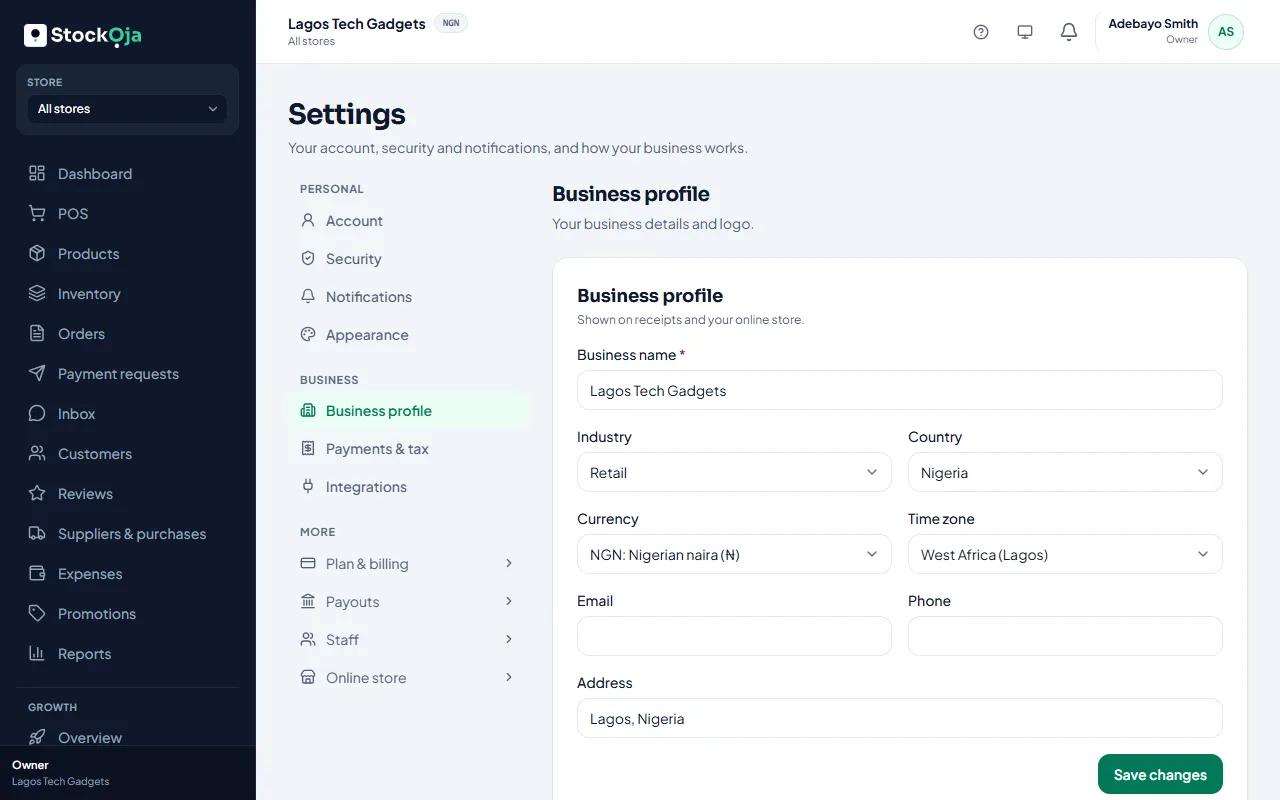
Business details and logo: Settings → Business profile.
Store design: Online store.
Bank account: Payouts.
Products: Products.
Related articles
- Use the getting-started checklist The checklist on your dashboard shows the first things to do. Tick them off in any order.
- Your store link (yourname.stockoja.com) Your store’s web address is set once and never changes, so links you share always work.
- Get paid into your bank account Add the bank account Paystack pays your online sales into.
- Create your account (email or Google) Sign up with your email and a password, or with your Google account. It’s free to start.