Charge tax (VAT) on sales
Turn on tax, set the rate and choose whether your prices already include it.
Tax is off until you turn it on.
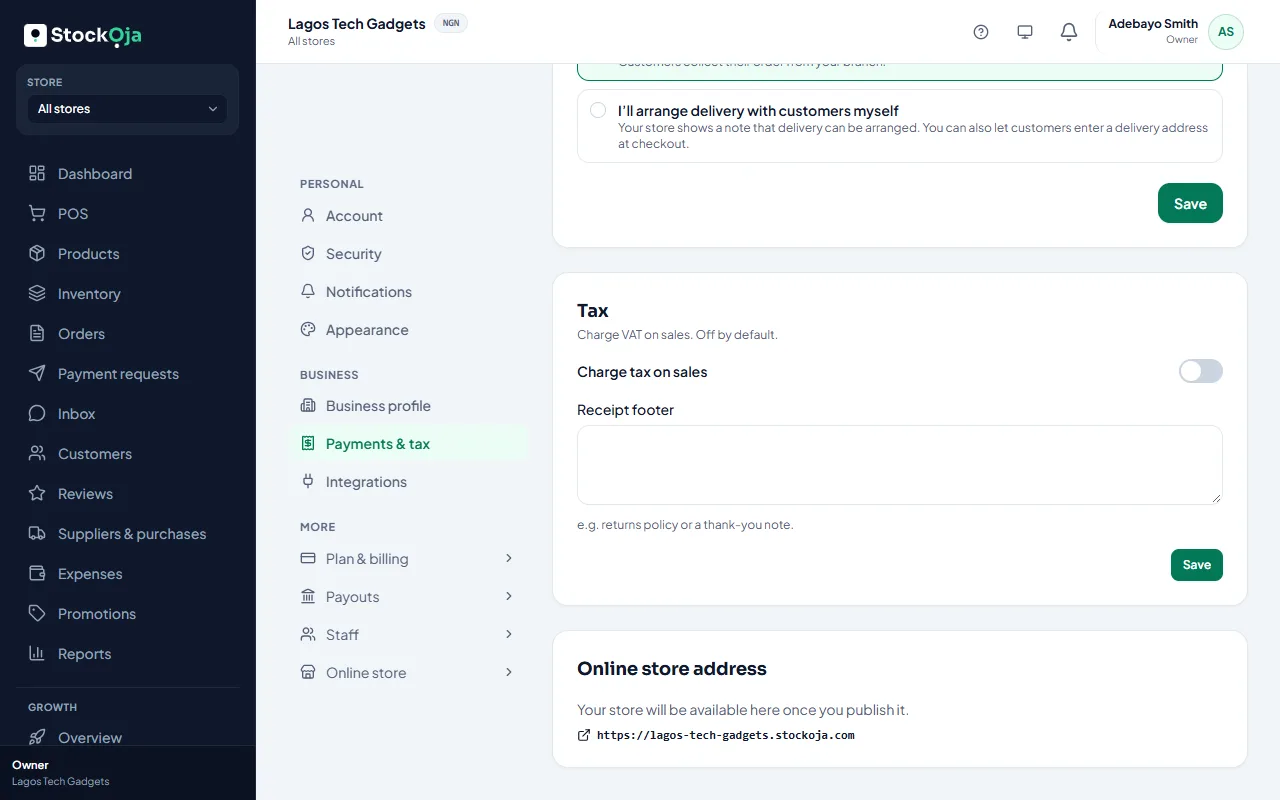
Go to Settings → Payments & tax.
Under Tax, turn on Charge tax on sales.
Enter the Rate (%), for example 7.5.
Enter the Name on receipts, for example VAT.
Choose My prices already include tax:
On: tax is shown as part of the price.
Off: tax is added at the till.
Save.
Tax then applies to POS sales and online orders, and shows on receipts and in reports.
Related articles
- Receipt footer and numbers Add a returns policy or thank-you note to receipts, and set each store’s receipt prefix.
- Sell at the counter with the POS Find or scan products, take payment and complete the sale. Stock goes down by itself.
- Add and manage stores (branches) Each branch has its own stock, sales, staff and expenses.
- Deactivate or reactivate a store Close a branch without losing its history. You can reactivate it later.