Edit your business profile and logo
Your business details and logo show on receipts and your online store.
Go to Settings → Business profile.
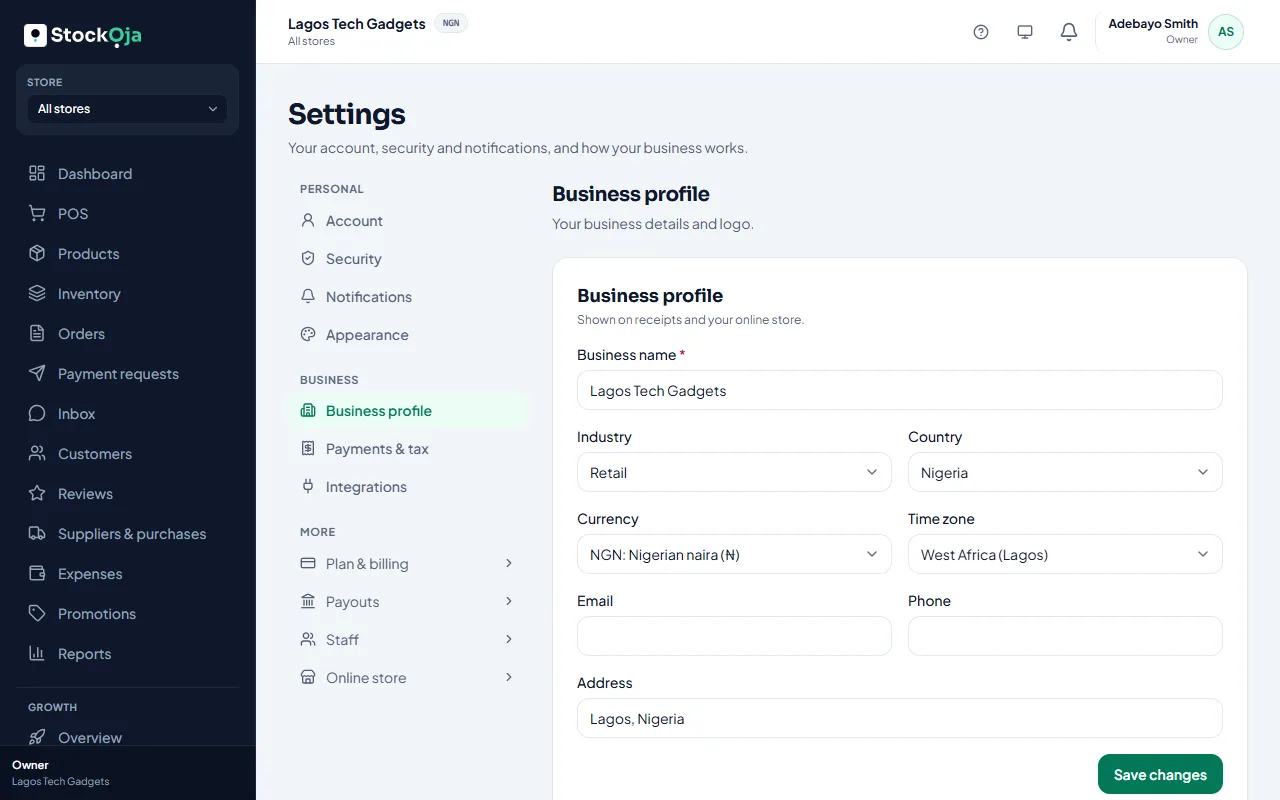
Details
Update your business name, contact details and address, then save. These show on receipts and on your online store.
Logo
Select Upload logo and choose a JPG, PNG or WebP image up to 5 MB. A square logo on a plain background works best.
Only the owner, or a role with Edit business profile and branding, can change these.
Related articles
- Receipt footer and numbers Add a returns policy or thank-you note to receipts, and set each store’s receipt prefix.
- Choose and customise a theme Pick a design, then set your colours, banner, home page, contact details and policies.
- Add and manage stores (branches) Each branch has its own stock, sales, staff and expenses.
- Charge tax (VAT) on sales Turn on tax, set the rate and choose whether your prices already include it.