What the default store is for
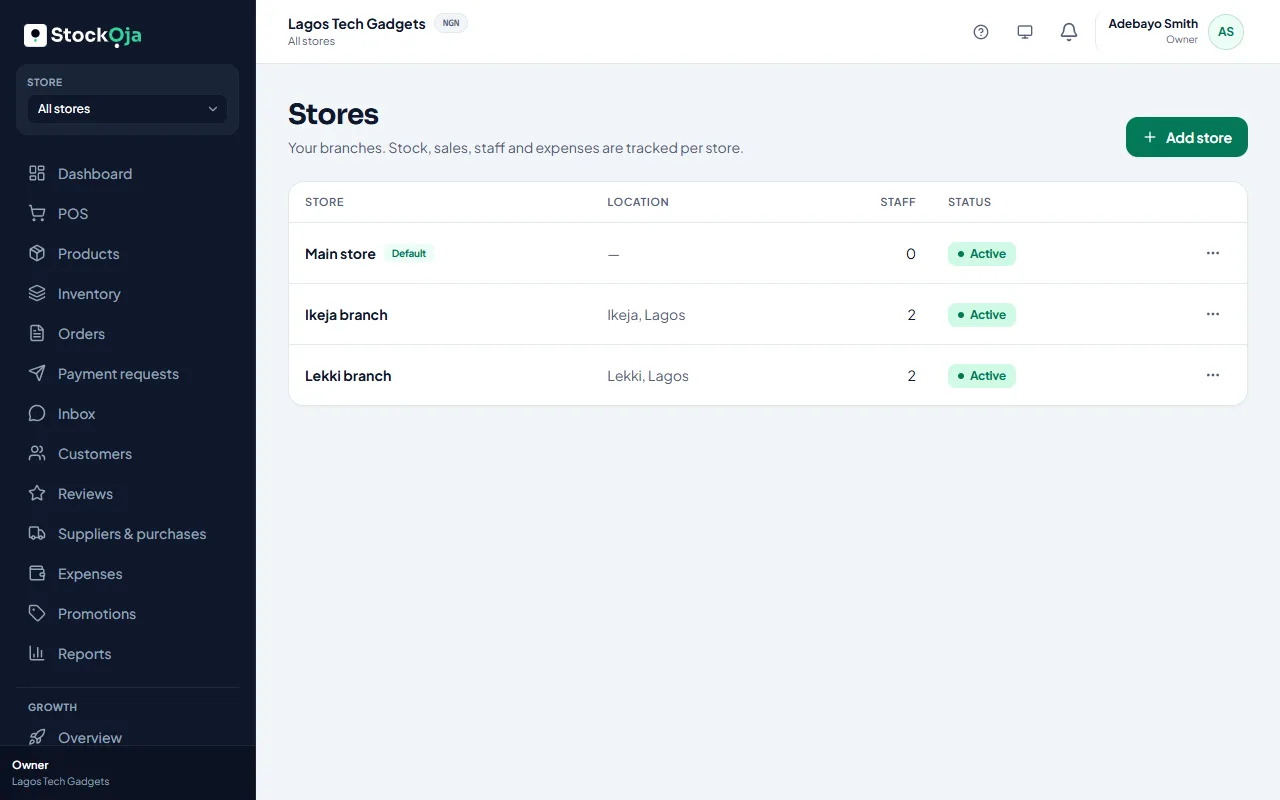
Your first store is the default. It’s used when StockỌja needs one store and you haven’t picked one.
Every business has one default store. At first it’s the store made when you signed up.
What it’s used for
Stock you enter during setup goes to the default store.
Product imports put stock in the default store when the file doesn’t name a store.
It’s listed first wherever you pick a store.
Change it
In Stores, open the menu next to an active store and select Make default.
Related articles
- Add and manage stores (branches) Each branch has its own stock, sales, staff and expenses.
- Import products from a spreadsheet (CSV) Upload many products at once from a CSV file made in Excel or Google Sheets.
- Charge tax (VAT) on sales Turn on tax, set the rate and choose whether your prices already include it.
- Deactivate or reactivate a store Close a branch without losing its history. You can reactivate it later.