Sign in and sign out
Sign in with your email and password or with Google, and sign out when you’re done.
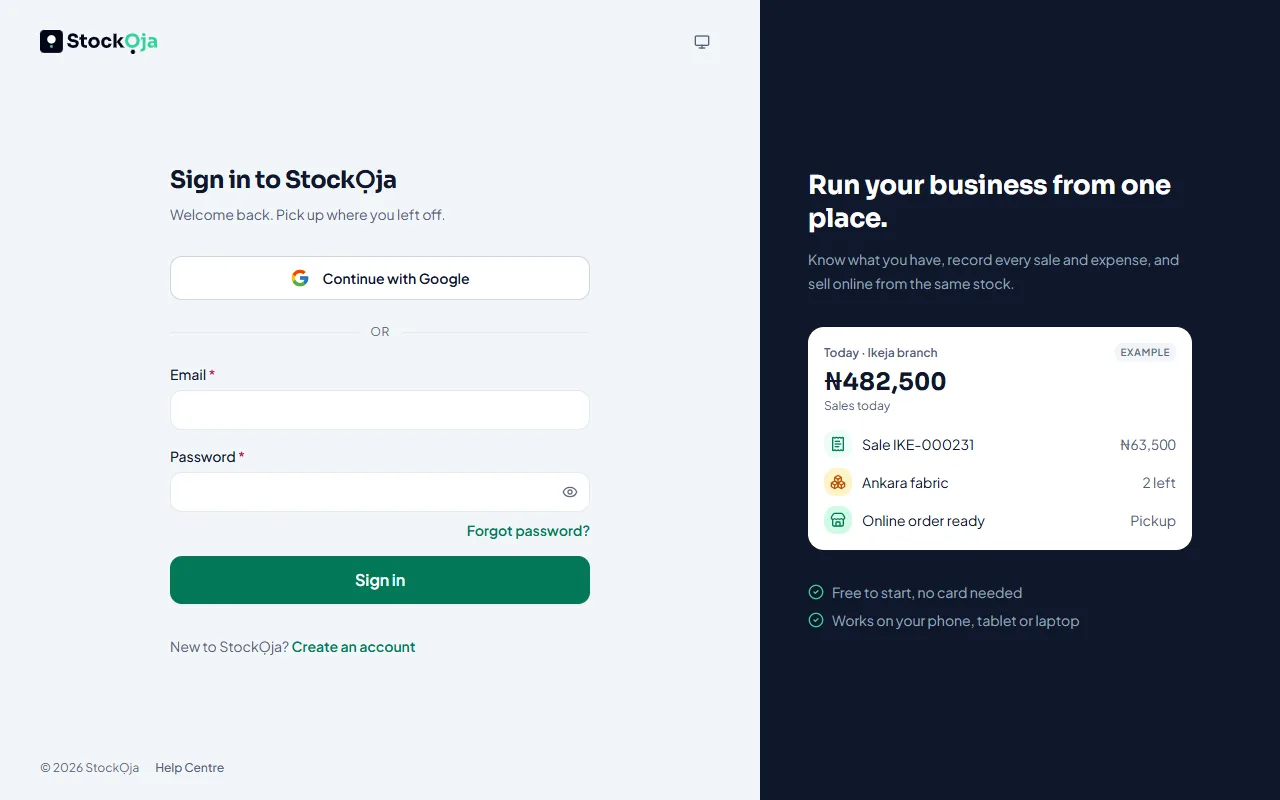
Sign in
Go to app.stockoja.com.
Enter your email and password, then select Sign in. Or select Continue with Google.
If you’ve turned on codes at sign-in, enter the 6-digit code.
Sign out
Open your account menu (top right) and select Sign out.
Sign out of other devices
Go to Settings → Security. Under Where you're signed in, select Sign out next to any device you don’t recognise. Changing your password also signs you out everywhere else.
Related articles
- Reset a forgotten password Get a reset link by email and choose a new password.
- Turn on two-step verification Add a second check with a code from an authenticator app or your email, so a stolen password isn’t enough.
- I can’t sign in Wrong password, too many attempts, a two-step code that doesn’t work, or a Google account.
- Connect or disconnect Google sign-in Sign in with your Google account instead of typing a password.