Connect or disconnect Google sign-in
Sign in with your Google account instead of typing a password.
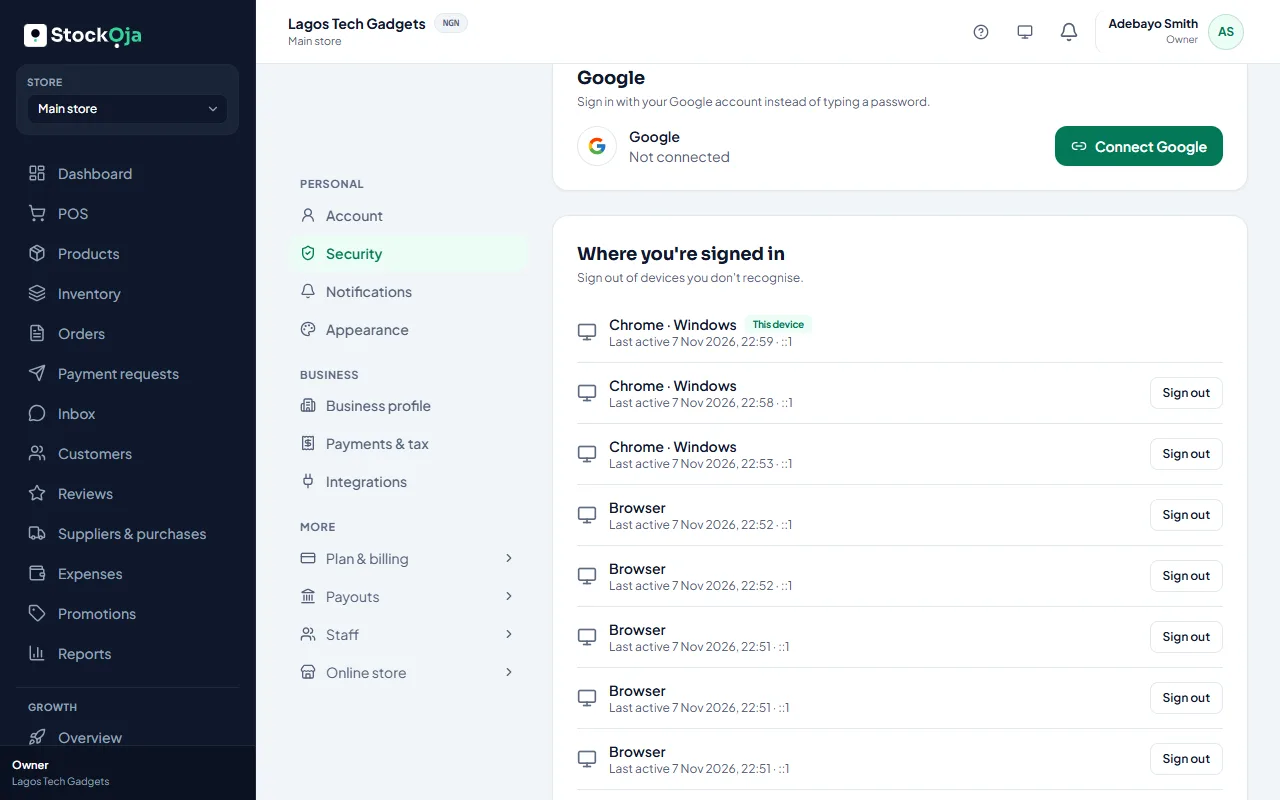
Connect Google
Go to Settings → Security.
Under Google, select Connect Google and choose your Google account.
You can then use Continue with Google on the sign-in page.
Disconnect Google
Select Disconnect. You’ll sign in with your email and password from then on.
One Google account can only be connected to one StockỌja account.
Related articles
- Sign in and sign out Sign in with your email and password or with Google, and sign out when you’re done.
- Change your name, phone or password Update your profile and password in Settings → Account and Settings → Security.
- Create your account (email or Google) Sign up with your email and a password, or with your Google account. It’s free to start.
- Help customers find your store on Google Set the title and description Google shows. Your store is listed for search engines automatically.