I can’t sign in
Wrong password, too many attempts, a two-step code that doesn’t work, or a Google account.
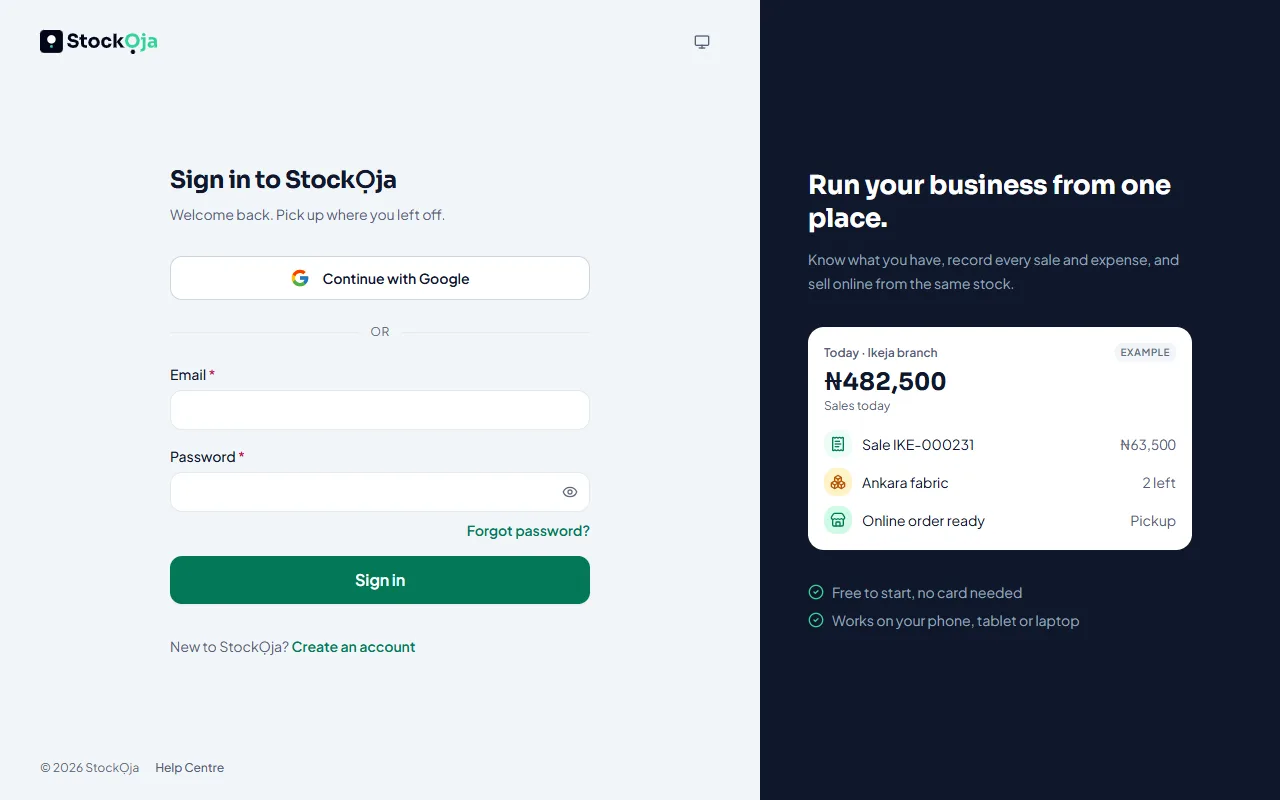
The email or password is wrong
Check you’re using the email you signed up with, and that Caps Lock is off.
Select Forgot password? to set a new one. See Reset your password.
Too many failed attempts
After several wrong passwords, sign-in is paused for a few minutes. The message says how long. Wait, then try again, or reset your password.
You signed up with Google
Select Continue with Google instead of typing a password.
Your two-step code doesn’t work
Check the time on your phone is set automatically. Codes depend on the right time.
Use the newest code in your authenticator app.
Lost your phone? Use one of your backup codes.
You’re staff and can’t get in
Your account may have been deactivated, or your invitation has expired. Ask the business owner or a manager.
Still stuck? Contact support. Never share your password or codes with anyone, including StockỌja.
Related articles
- Reset a forgotten password Get a reset link by email and choose a new password.
- Turn on two-step verification Add a second check with a code from an authenticator app or your email, so a stolen password isn’t enough.
- Contact StockỌja support Send a request from the app. We reply there and by email.
- A feature is missing from my menu Menu items show only when your role allows them and your plan includes them.