Reset a forgotten password
Get a reset link by email and choose a new password.
On the sign-in page, select Forgot password?
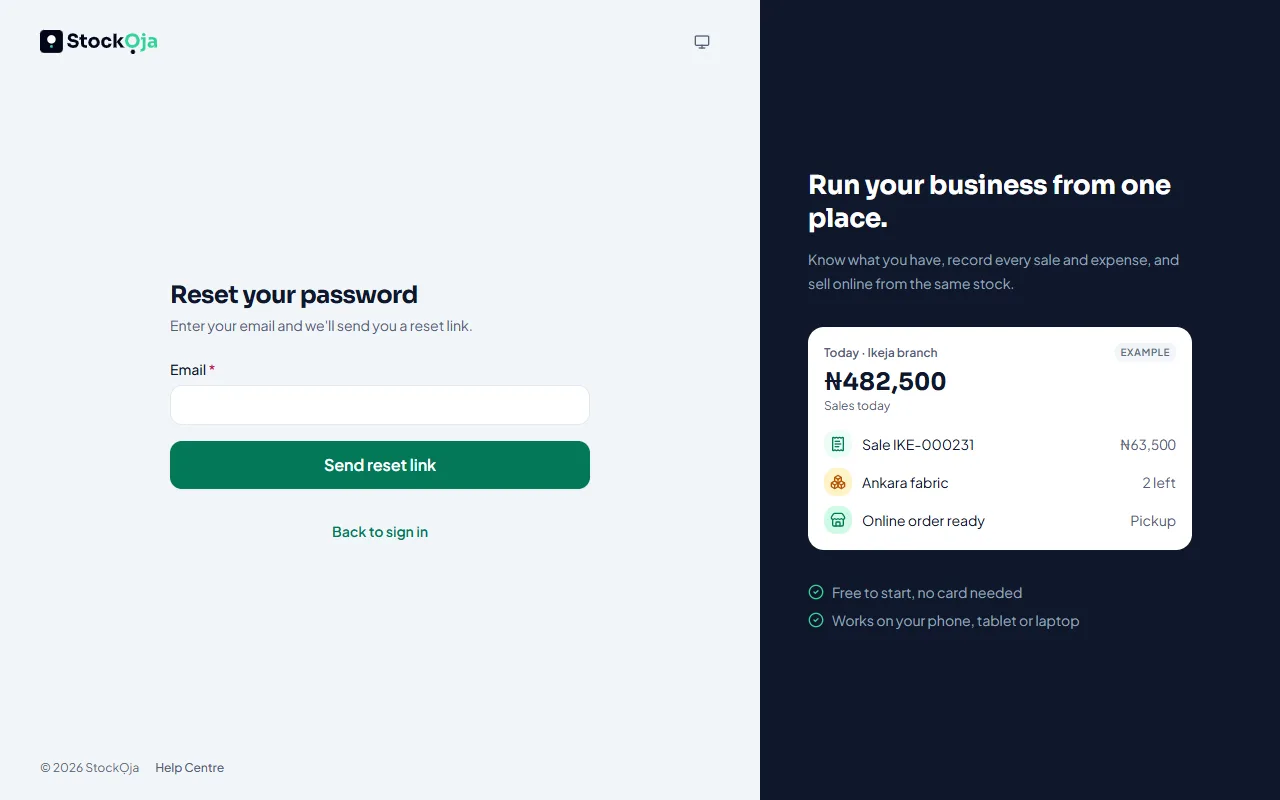
Enter your email and select Send reset link.
Open the email and follow the link.
Choose a new password and select Change password.
You’re signed out on your other devices, then you can sign in with the new password.
If you normally use Continue with Google, you don’t need a password; just sign in with Google.
Related articles
- Sign in and sign out Sign in with your email and password or with Google, and sign out when you’re done.
- I didn’t get the email Verification, password reset and invitation emails that don’t arrive.
- Change your name, phone or password Update your profile and password in Settings → Account and Settings → Security.
- Accept an invitation to join a business Open the invitation email, choose a password (or use your existing one) and you’re in.