Connection problems
What “You’re offline” and “Network error” mean, and what still works.
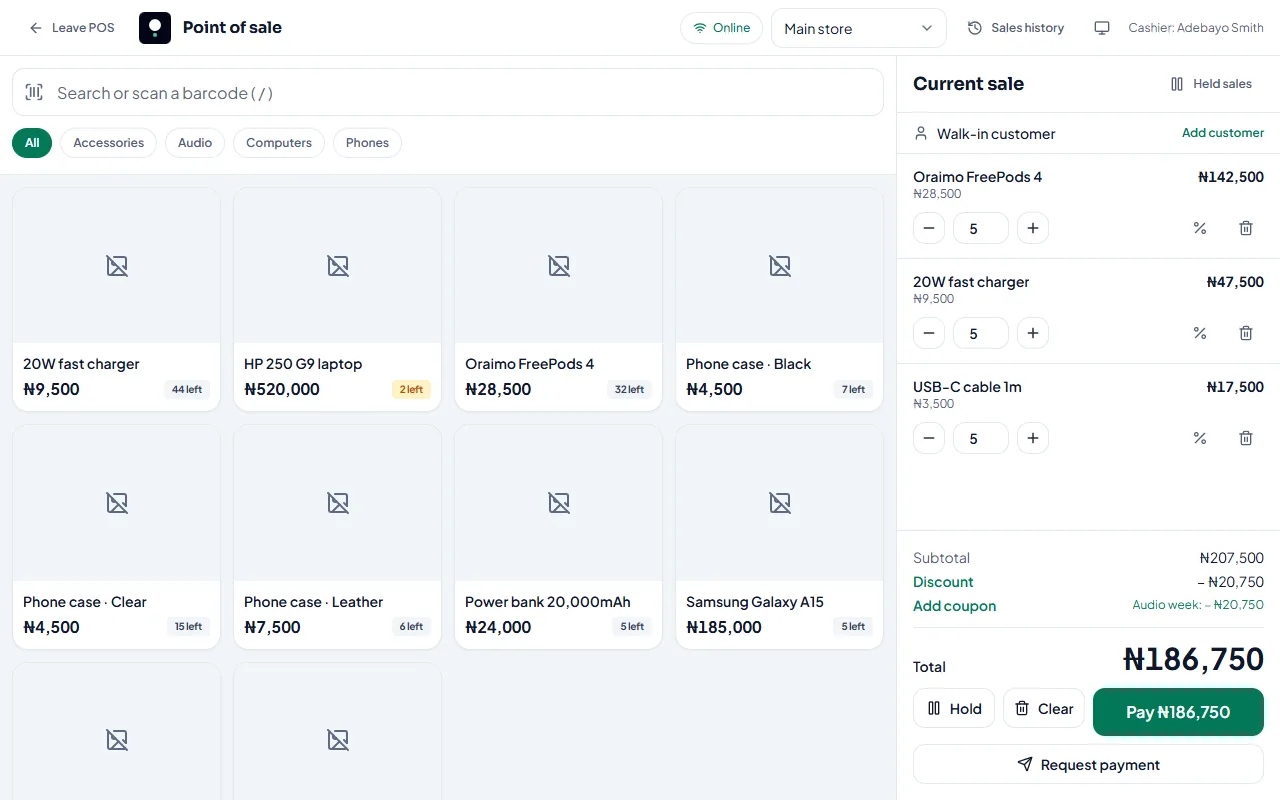
You’re offline
Your device has lost its internet connection. Check your data or Wi-Fi. StockỌja reconnects automatically and shows Connection restored.
While offline, the POS keeps selling, and you can record expenses. See Selling when the internet is down.
Network error
Your internet works, but StockỌja can’t be reached for a moment. Select Retry, or Refresh the page. Your offline changes are kept.
Things to try
Switch between mobile data and Wi-Fi.
Close other tabs or apps using lots of data.
Refresh the page.
If only one device has the problem, sign out and in again on it, after any waiting sales have synced.
Related articles
- Selling when the internet is down The POS keeps working offline. Sales are saved on the device and sync when you’re back online.
- Offline sales that need attention Why a sale saved offline didn’t sync, and how to fix it.
- Contact StockỌja support Send a request from the app. We reply there and by email.
- A feature is missing from my menu Menu items show only when your role allows them and your plan includes them.