Different prices and visibility per store
Set a store’s own price, stop selling a product in one store, or hide it from pickup there.
Your catalogue is shared by all stores. Each store keeps its own stock, and can change its price and visibility.
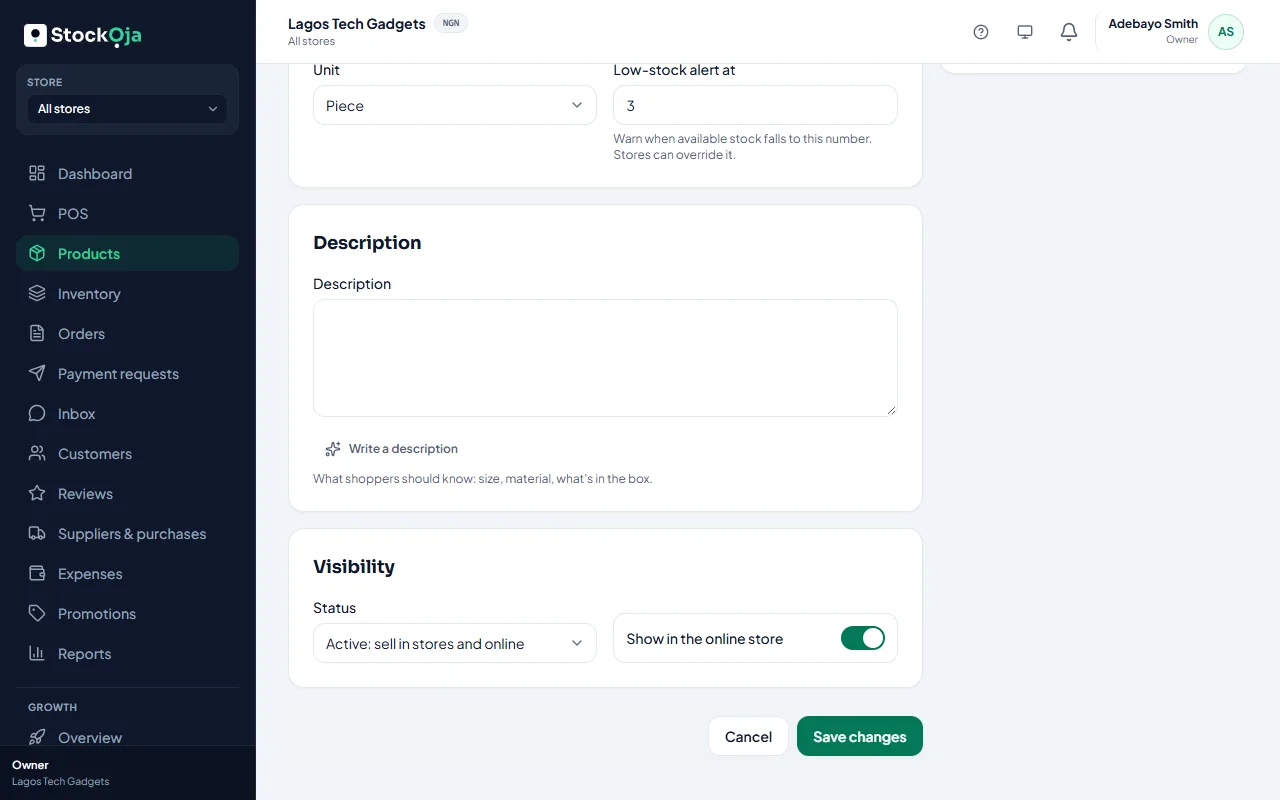
In the Store menu at the top, choose the store.
Open the product.
Under Settings for the store:
Price in this store: leave blank to use the normal price.
Sell in this store: turn off if this branch doesn’t sell it.
Show in the online store for pickup here: turn off to stop online pickups from this branch.
Low-stock alert at (this store): leave blank to use the product setting.
Save.
Changes affect only that store. The shared catalogue stays the same.
Related articles
- Which products show on your store Active products marked to show online appear, with stock from the shopper’s pickup branch.
- Add and manage stores (branches) Each branch has its own stock, sales, staff and expenses.
- Add a product Add one product with its price and stock, then add more details whenever you like.
- Add product photos Good photos sell better online. Add several and choose the main one.