Categories and brands
Group products so staff and shoppers find them quickly.
Go to Products → Categories & brands.
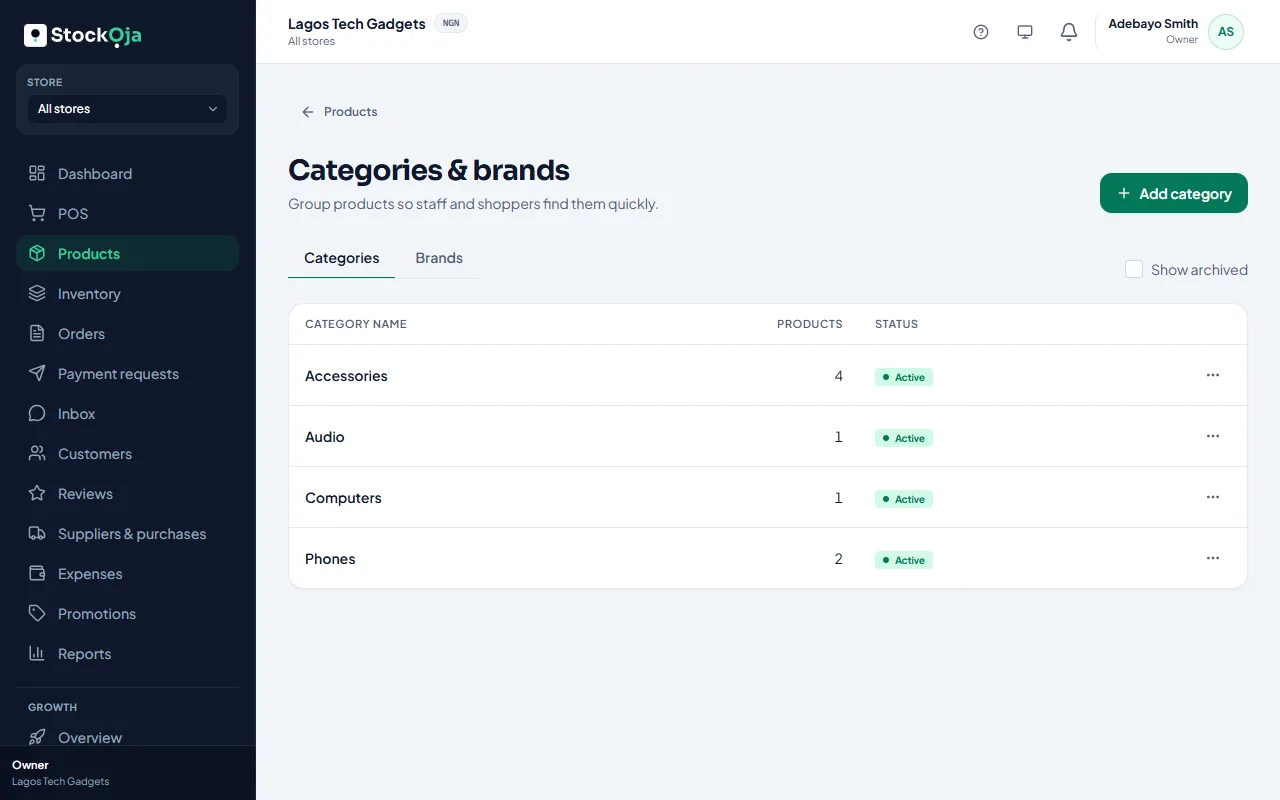
Categories
On the Categories tab, select Add category.
Type the Category name, such as Phones or Accessories.
To make a sub-category, choose its parent in Inside category.
Save.
Brands
On the Brands tab, select Add brand and type the name.
Use them
Pick a category and brand when you add or edit a product. To move many products at once, tick them in Products and use Bulk actions → Move to category.
Archiving a category or brand hides it from new choices. Products keep their history.
Related articles
- Add a product Add one product with its price and stock, then add more details whenever you like.
- Which products show on your store Active products marked to show online appear, with stock from the shopper’s pickup branch.
- Add product photos Good photos sell better online. Add several and choose the main one.
- Add several products quickly Type many products in rows, with just a name, price and quantity.