Connect your own domain
Use your own address, such as www.yourbusiness.com, for your online store.
You can use a domain you own, such as www.yourbusiness.com, as well as your stockoja.com address. Your plan needs to include your own domain.
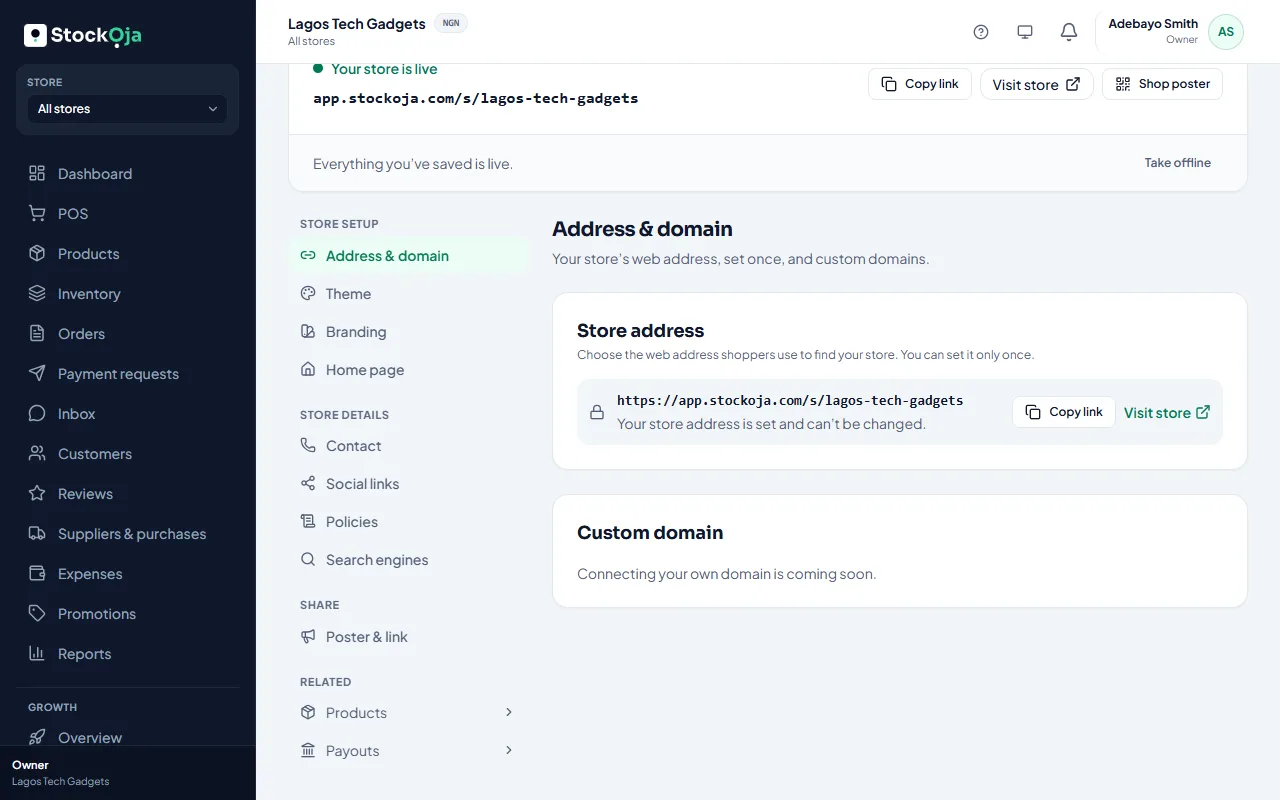
In Online store → Address & domain, under Your own domain, type the address with www or shop in front (for example www.yourbusiness.com), then select Connect domain.
StockỌja shows two records. Sign in where you bought your domain (your domain provider), open its DNS settings and add both, exactly as shown. Use the copy buttons.
A CNAME record points your domain to StockỌja.
A TXT record proves the domain is yours.
Wait. StockỌja checks automatically and moves through Awaiting DNS setup, Awaiting verification and Setting up security (SSL). You can select Check now at any time.
When it shows Active, your store opens on your domain with a secure padlock. That address is used in your links, receipts and messages, and Google indexes your store there.
Your domain without www
Root domains (yourbusiness.com without www) can't be connected yet. At your domain provider, set up a redirect (also called URL forwarding) from yourbusiness.com to https://www.yourbusiness.com, so both open your store.
Two domains
You can connect two domains, for example www and shop. The Main address is the one used in links; the other one takes visitors there. Select Make main address to switch.
Disconnect or remove
Disconnect stops your store opening on the domain but keeps it in the list, so you can Reconnect it later (you confirm it again). Remove deletes it. A domain whose records are never added is released after 7 days.
Your stockoja.com address keeps working, so links you’ve already shared still open your store.
Related articles
- Your store link (yourname.stockoja.com) Your store’s web address is set once and never changes, so links you share always work.
- Help customers find your store on Google Set the title and description Google shows. Your store is listed for search engines automatically.
- Set up and publish your online store Choose your address, add a bank account, put products online and publish.
- Choose and customise a theme Pick a design, then set your colours, banner, home page, contact details and policies.