Manage your sales pipeline
Create deals, move them through stages, and mark them won or lost.
Create a deal
Open a lead and select New deal.
Give it a Deal name, such as “10 bags of rice for the shop”.
Add the products. The Estimated value is their current prices unless you type your own.
Set Expected to close and the stage, then save.
Move deals
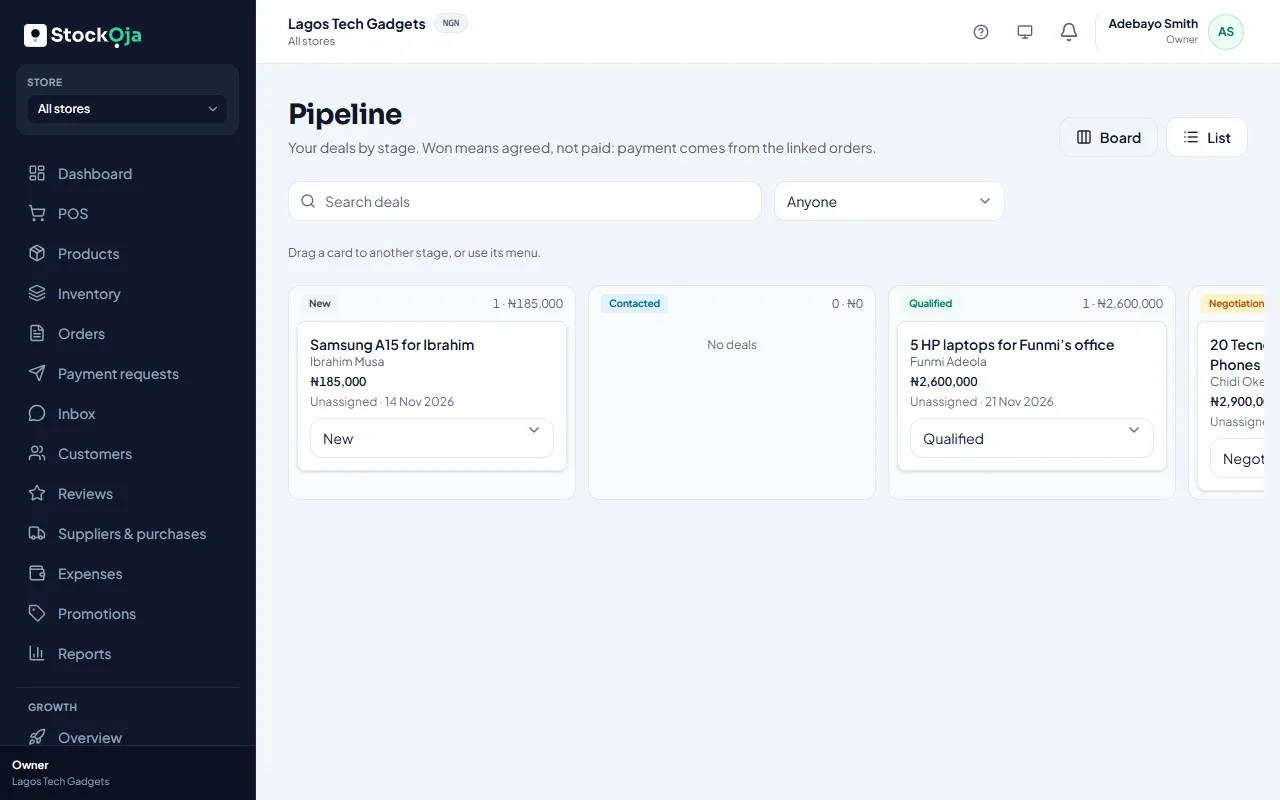
Growth → Pipeline shows your deals by stage on a Board, or as a List.
Drag a card to another stage, or use the card’s menu to Move to a stage.
Mark deal won when the customer has agreed. Winning a deal converts its lead.
Mark deal lost and give the reason.
Sort by Recently updated, Highest value or Closing soonest, and search deals by name. Won and lost columns show the last 30 days.
Related articles
- Won deals and paid sales Link orders to deals so StockỌja shows what was actually paid, not just agreed.
- Change your pipeline stages Add, rename, recolour, reorder or archive the stages a deal goes through.
- What Growth does for your business Leads, a sales pipeline, follow-ups, campaigns and automatic messages, with paid amounts taken from real orders.
- Add and import leads Add a lead by hand, or import contacts from a CSV file. Duplicates are caught for you.